.png)

.webp)
Key Takeaways
- The 2026 Shift: Marketing automation has evolved from scheduling email sends to orchestrating end-to-end workflows. Humans now own strategy while tools own execution, making the right stack a “revenue decision.”
- SaaS Importance: Recurring revenue means every touchpoint directly impacts ARR. Automation closes the signup-to-paid gap, prevents churn before it happens, and delivers personalized experiences at scale, without scaling headcount.
- The Top Six: The marketing automation tools that held up across team sizes, use cases, and tech stacks are Slate, HubSpot, Mailchimp, Encharge, Zapier, and Typeform.
- How We Ranked Them: Tools were evaluated across automation depth and workflow flexibility (25%), native integrations and stack compatibility (25%), AI and intelligence features (20%), ease of use (15%), and user reviews and reliability (15%).
- Automation Strategies: Common automation plays for SaaS are onboarding and activation workflows, behavior-triggered lifecycle emails, value-based segmentation, sales-marketing handoff orchestration, and continuous content distribution.
What does marketing automation look like in 2026?
When the AI era began, we were all wowed by LLMs’ ability to provide synthesized answers. But how has this capability translated into SaaS Marketing Automation tools we can use every day?
Every second and dollar saved in SaaS marketing strategies is crucial, and tools today can build end-to-end workflows that automate whole motions.
As a result, marketing in 2026 is headed toward humans overseeing strategy and tools overseeing execution. The customer acquisition funnel, hence, is a hybrid model.
Given the ease of tool building with AI, there is a long list of tools that one can find useful. And this is also the reason marketers often find themselves stuck in a cobweb of tools, unable to use them optimally.
We wanted to compile a list of tools we, as a GTM team, have found useful across the board. These tools act as the bread and butter for marketing, and we’ll review them one by one in detail going forward.
Consider this your SaaS marketing automation toolkit for 2026, vetted by experts.
What Is SaaS Marketing Automation?
Let’s quickly define what these tools try to achieve.
SaaS marketing automation is the practice of using cloud-based tools to automate marketing tasks that would otherwise eat up your team's time.
Marketing workflow, email sequences, lead scoring, trial-to-paid nudges, and campaign attribution all fall under this umbrella.
But in 2026, the definition has expanded. Platforms now handle behavioral triggers based on in-app activity, billing events, and product usage patterns.
This shift, from "automate the send" to "automate the response to what users do," is what separates modern SaaS marketing automation from the newsletter-and-drip-campaign era.
Setups today pull from product analytics, billing systems, and ad platforms simultaneously, so the workflow logic is based on real signals rather than static segments.
For SaaS specifically, automation also fills a critical operational gap: unlike ecommerce or services businesses, SaaS revenue is recurring, so every touchpoint directly impacts revenue. Automation turns the lifecycle these touchpoints participate in into a system.
Why Do You Need SaaS Marketing Automation?
This reason varies from one team to another, but here are some of the most common underlying requirements that SaaS marketing automation solves:
Closing the Signup-to-Paid Gap
In SaaS, the biggest drop-off happens between initial interest and paid conversion. Prospects engage with a free trial, click around, and disappear.
Automation fills that gap with behavioral triggers by onboarding sequences that fire based on what users did (or didn't do) inside the product.
Without it, most trial users never reach the "aha moment" that converts them.
Scaling Beyond Manual Outreach
Early-stage teams can get away with personal emails and Slack pings. But once you're managing thousands of leads, trial users, and active accounts across different lifecycle stages, manual outreach breaks down.
Automation handles the repetitive, time-sensitive touchpoints (welcome emails, trial expiry reminders, payment failure retries, feature adoption nudges) so your team focuses on strategy.
Improving Retention Over Acquisition
Did you know that acquiring a new customer costs roughly five times more than retaining an existing one? And in SaaS, even small improvements in churn prevention have big effects on ARR.
Marketing automation makes retention proactive instead of reactive. It spots disengagement signals (no logins for a week, incomplete onboarding steps, declining feature usage) and intervenes before the customer decides to cancel.
Personalizing at Scale
Delivering relevant, timely content to different segments (trial users vs. power users vs. at-risk accounts) used to require dedicated lifecycle marketers for each cohort.
Automation handles segment-specific messaging at scale, delivering a personalized experience for users and a predictable system for the team, without requiring a hire for every new segment.
Making Data-Driven Decisions
Automation platforms consolidate behavioral, billing, and engagement data into a single view.
You can track which onboarding sequence converts best, which email moves the needle, and which lifecycle stage leaks the most revenue, then adjust workflows based on evidence.
Overview of the Top 6 Marketing Automation Tools
Do note that this is not a ranked list.
How We Chose These Marketing Automation Tools
We evaluated over 30 marketing automation platforms using a structured scoring framework, narrowing the list down to tools that hold up across different team sizes, use cases, and tech stacks.
Here's the weighted scoring system we used:
- Automation Depth & Workflow Flexibility (25%): We prioritized platforms that support multi-step workflows without requiring developer involvement.
- Native Integrations & Stack Compatibility (25%): We evaluated how well each platform integrates with CRMs, ad networks, ecommerce systems, and analytics tools out of the box, giving preference to those that require fewer third-party connectors.
- AI & Intelligence Features (20%): We assessed how meaningfully each platform embeds intelligence into its core workflows, including predictive segmentation, send-time optimization, and AI-assisted content.
- Ease of Use (15%): How quickly can a non-technical marketer get their first workflow running? We looked at the onboarding experience, interface clarity, and the amount of setup overhead required before the tool delivers value.
- User Reviews & Reliability (15%): Ratings from G2 and Capterra were used as a quality signal, with particular attention to patterns around workflow stability, onboarding friction, and support quality when issues arise.
Detailed Review: Top 6 Marketing Automation Tools
1. Slate
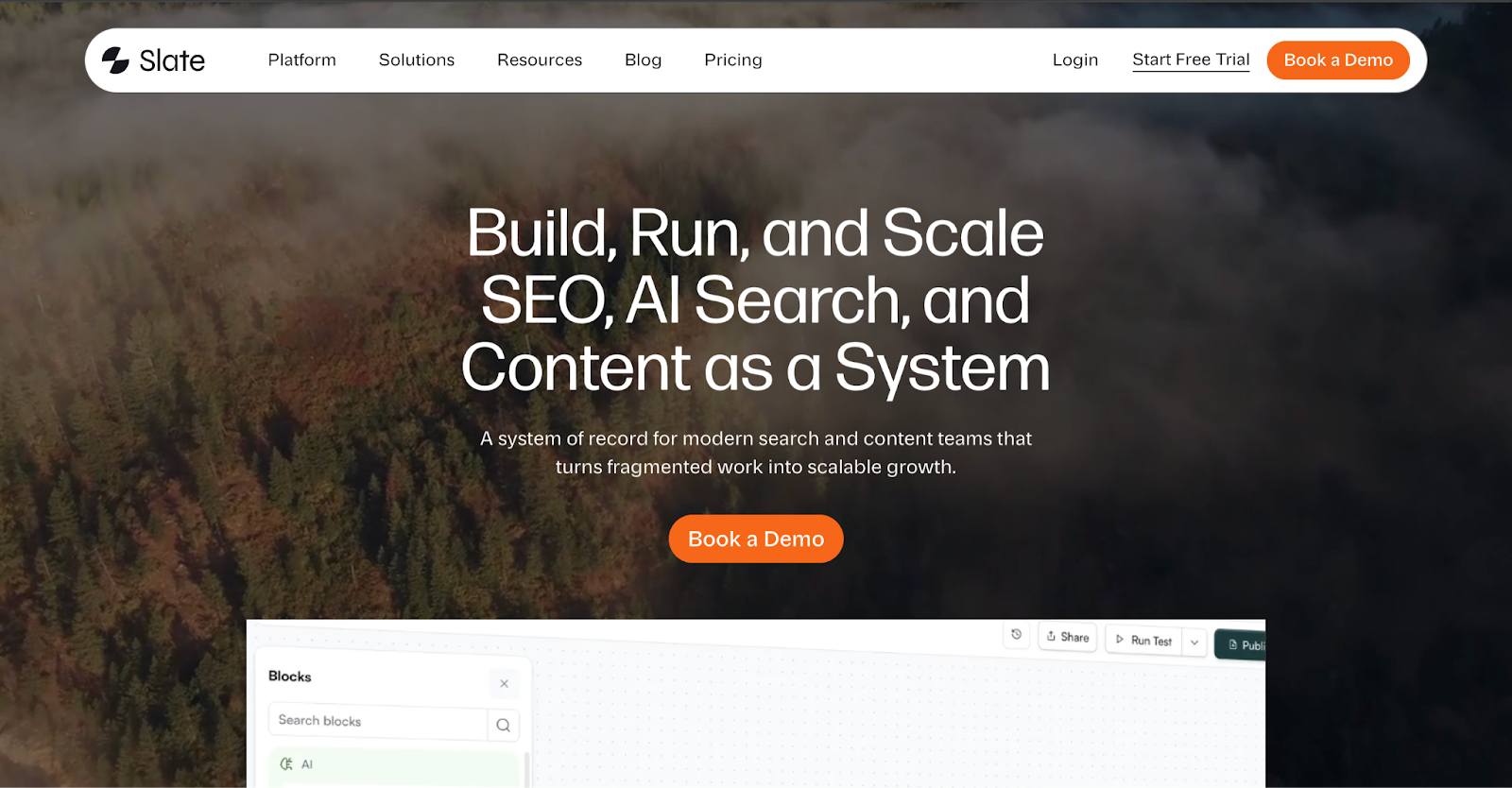
Slate is built for marketing teams that want to automate the entire content lifecycle, from discovery to publishing.
Most tools give you either data or writing help. Slate connects both: it monitors where your brand appears (or doesn't) across ChatGPT, Perplexity, and Gemini, then automatically triggers workflows to research, write, refresh, and publish content to close those gaps.
What makes this interesting from an automation standpoint is the holistic architecture.
Slate's Workflow Builder runs 24/7 pipelines that handle the research-write-refresh loop without manual input.
Their Power Sheets feature, on the other hand, works like a spreadsheet where every row is executable, allowing you to trigger bulk content operations across thousands of URLs the same way you'd handle a single page.
There's also a Brand Kit layer baked into every workflow output, so brand voice doesn't get lost when content is running at scale.
The platform integrates with Semrush, Ahrefs, Google Search Console, and GA4 for signal inputs, and pushes finished content directly to Webflow or WordPress.
It also includes AEO Scorecards that measure how well each page is optimized for AI answer engines, making it one of the few tools that treats AI visibility as something you can fully act on.
Best For
Scalable Marketing Workflows
Pros
- Connects AI visibility monitoring directly to automated content execution, covering research, writing, refreshing, and CMS publishing in one system
- Lets teams run bulk content operations across thousands of URLs with quality gates and human review checkpoints before publishing
Cons
- Takes a day to set up
- Limited to English language implementation
Pricing
Custom pricing; 14-day free trial available
Ratings and Reviews
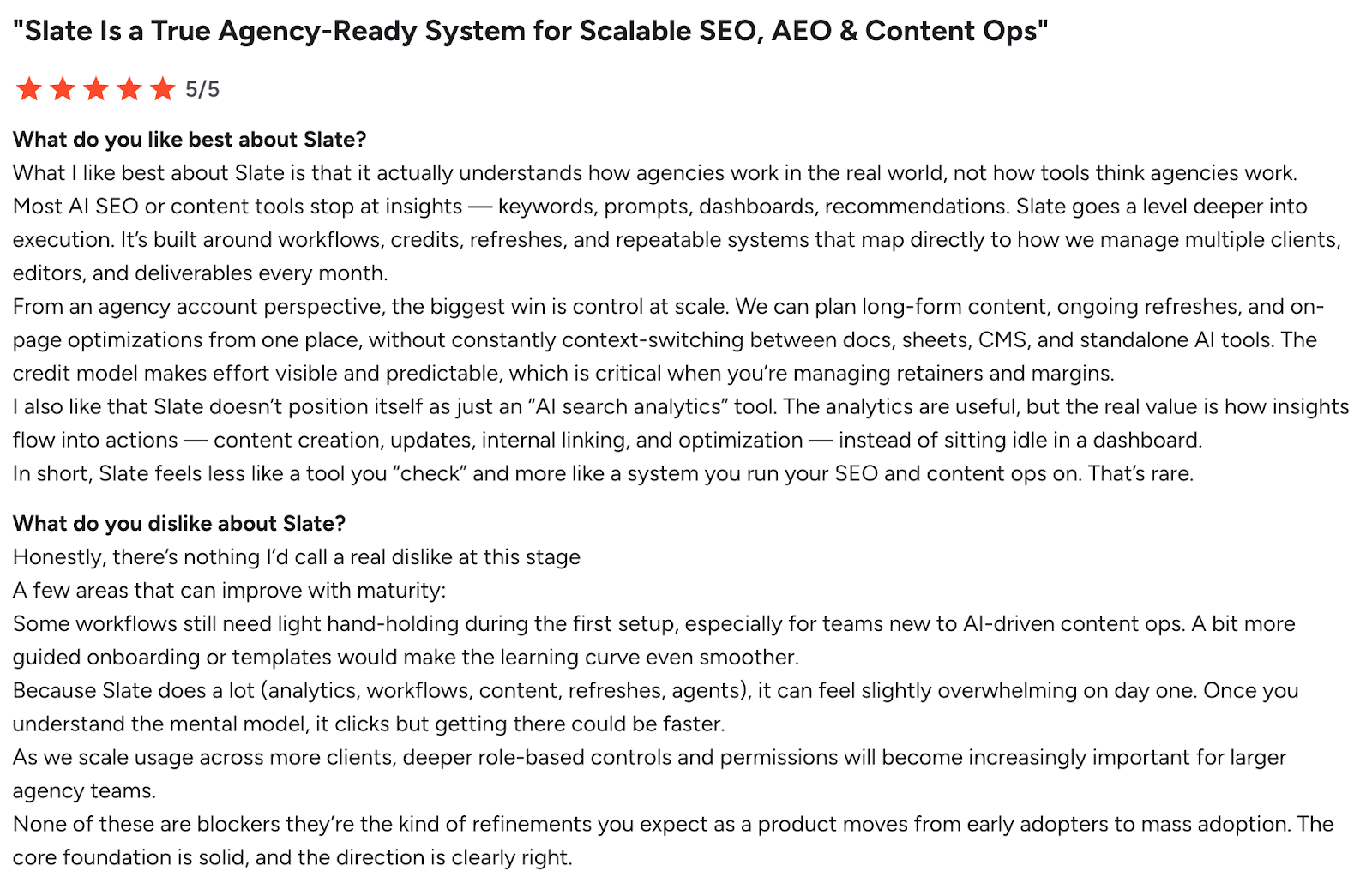
Slate is rated 5/5 on G2
2. HubSpot
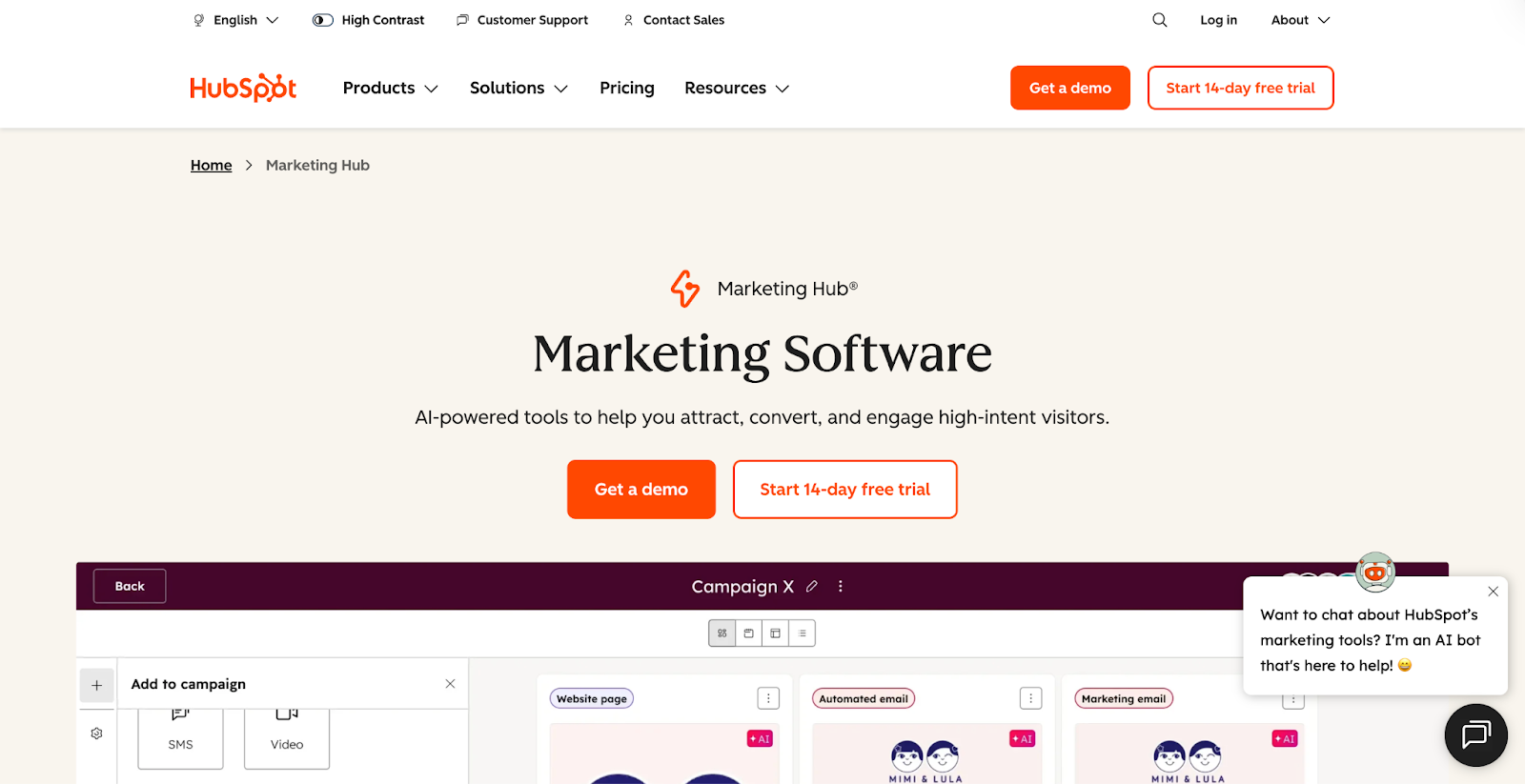
HubSpot had to be on this list.
The automation pioneer stands out in marketing because everything runs on a single native CRM. Your workflows, lead scores, email sequences, and reports all pull from the same contact database, so there's no syncing lag or data inconsistency between tools.
The visual workflow builder lets you automate across email, ads, CRM updates, and sales alerts without any coding.
Triggers can be as specific as a visit to a high-intent page or a lead score crossing a threshold, with resulting actions spanning email sends, property updates, rep notifications, and ad audience enrollment.
HubSpot's Breeze AI suite layers more intelligence on top: a Journey Builder for automating personalized customer paths, AI-powered Segments that surface high-value audiences from your CRM, and Lookalike Lists that find new prospects matching your best customers.
The platform also handles landing pages, forms, and social media scheduling natively, keeping lead generation and nurture in one place.
HubSpot then connects those campaigns to pipeline through multi-touch revenue attribution, giving teams a clear line from automation activity to business outcomes.
Pros
- CRM-native architecture means automation logic, lead scoring, and attribution all run off the same dataset
- Multi-touch revenue attribution ties specific workflows and campaigns to closed revenue, available from the Professional tier upward
- Breeze AI tools like Journey Builder and Lookalike Lists are embedded into existing workflows
Cons
- Journey Builder, custom behavioral events, and revenue attribution are locked behind Professional and Enterprise plans
- The sheer volume of dashboards and settings creates a steep learning curve for teams without a dedicated HubSpot admin
- Contact-based pricing means costs scale quickly as your database grows, which can catch growing teams off guard
Best For
Inbound Marketing Automation
Pricing
Marketing Hub starts free, with the Starter plan at $15/seat/month. Professional starts at $890/month (includes 3 seats and 2,000 contacts), and Enterprise at $3,600/month (includes 5 seats and 10,000 contacts), both requiring a one-time onboarding fee.
Ratings and Reviews
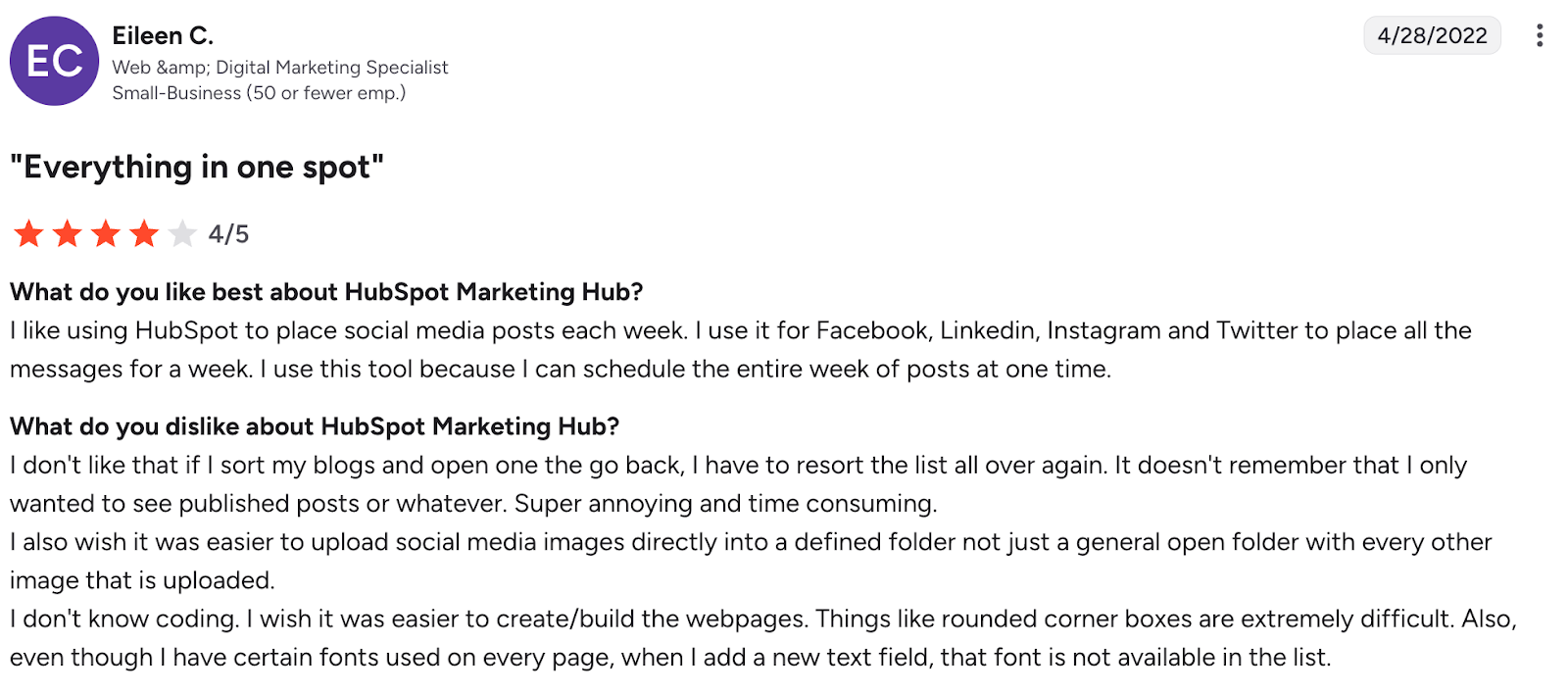
HubSpot Marketing Hub is rated 4.4/5 on G2
3. Mailchimp
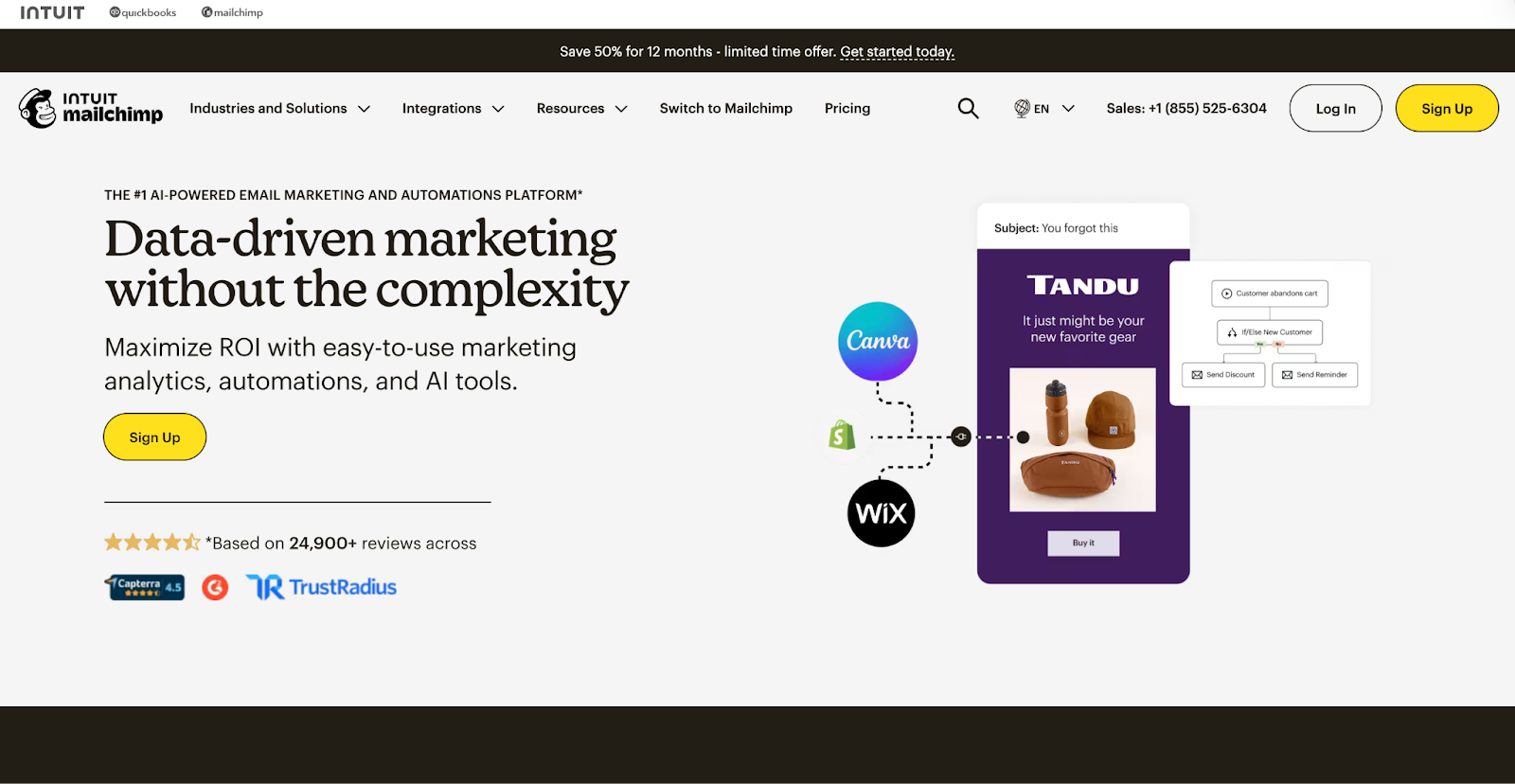
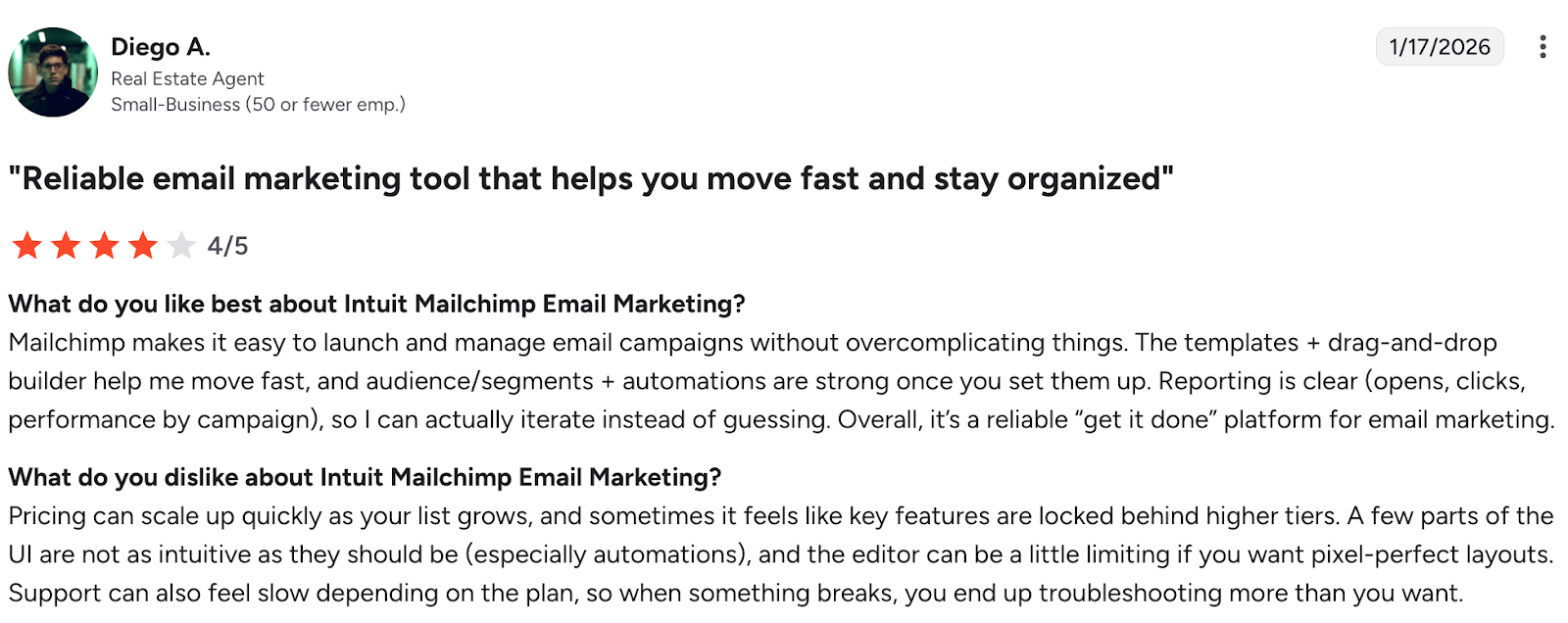
Mailchimp is one of the most widely used email marketing and automation platforms, and what keeps it relevant is how tightly its automation is woven into audience data.
Its "Marketing Automation Flows" (rebranded from Customer Journey Builder in mid-2025) lets you build multi-step, behavior-triggered sequences that respond to how contacts engage, whether they clicked a link, made a purchase, or abandoned a cart.
We found Mailchimp's predictive segmentation to be very useful, as it uses AI to forecast customer lifetime value and purchase likelihood. It lets you trigger automations not just based on what someone did, but also on what they're likely to do.
Add Send Time Optimization and Delivery by Time Zone, and the platform is genuinely trying to handle timing decisions for you and not just scheduling sends.
Mailchimp also connects across email, SMS (as a paid add-on), social ads, and landing pages from a single dashboard, so your automation flows can span beyond inbox touchpoints.
With 300+ native integrations, including Shopify, WooCommerce, and QuickBooks, it works well for teams already using a mixed stack.
That said, do note that multi-step automation is locked behind the Standard plan, and SMS isn't bundled in by default.
Best For
Email Marketing Automation for SMBs and ecommerce teams
Pros
- Predictive segmentation uses AI to forecast purchase likelihood and customer value, enabling smarter automation triggers
- Send Time Optimization and Time Zone Delivery automate timing decisions across large, geographically spread lists
- 300+ native integrations let automation flows pull live data from ecommerce, CRM, and finance tools without third-party connectors
Cons
- Multi-step automation workflows are gated behind the Standard plan ($20/month minimum), meaning Essentials users get only basic single-step sequences
- SMS is a paid add-on rather than a bundled channel, making true cross-channel automation more expensive
- Contact counting inflates costs: a single contact existing in two audiences is billed twice, with no account-level deduplication
Pricing
Free plan available (500 contacts, limited features); paid plans start at around $13/month (Essentials), $20/month (Standard, required for multi-step automation), and $350/month (Premium).
Ratings and Reviews
Mailchimp is rated 4.4/5 on G2
4. Encharge
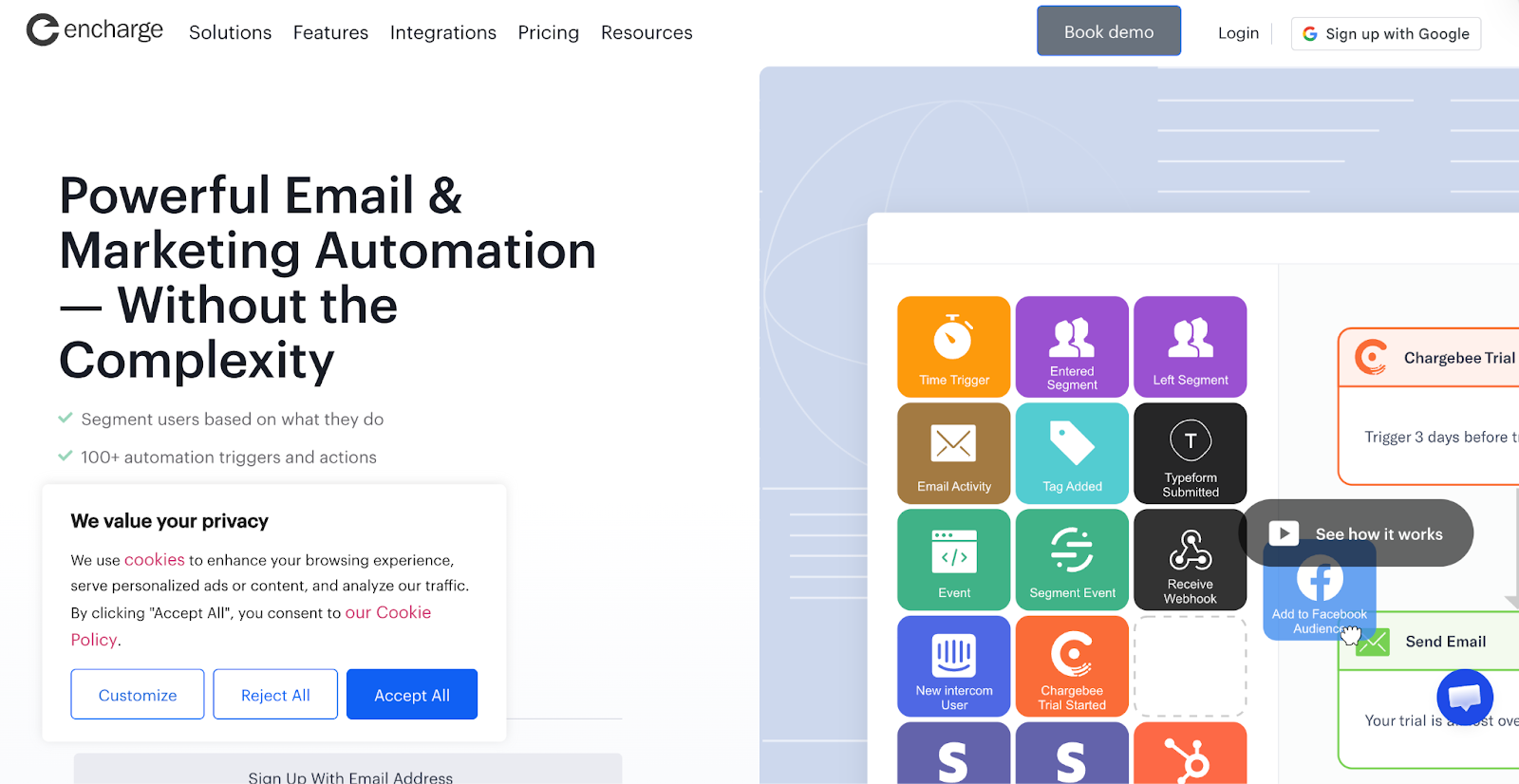
Encharge is built specifically for SaaS companies and digital businesses running product-led growth models.
What made it stand out for us is the depth of its event-based segmentation. You can segment users by in-app actions, feature usage, billing events, and CRM data simultaneously, then build flows that respond to combinations of these signals.
It natively connects with Stripe, Chargebee, and Recurly to automate billing-triggered emails like trial expirations, plan upgrades, and failed payments without needing a third-party bridge.
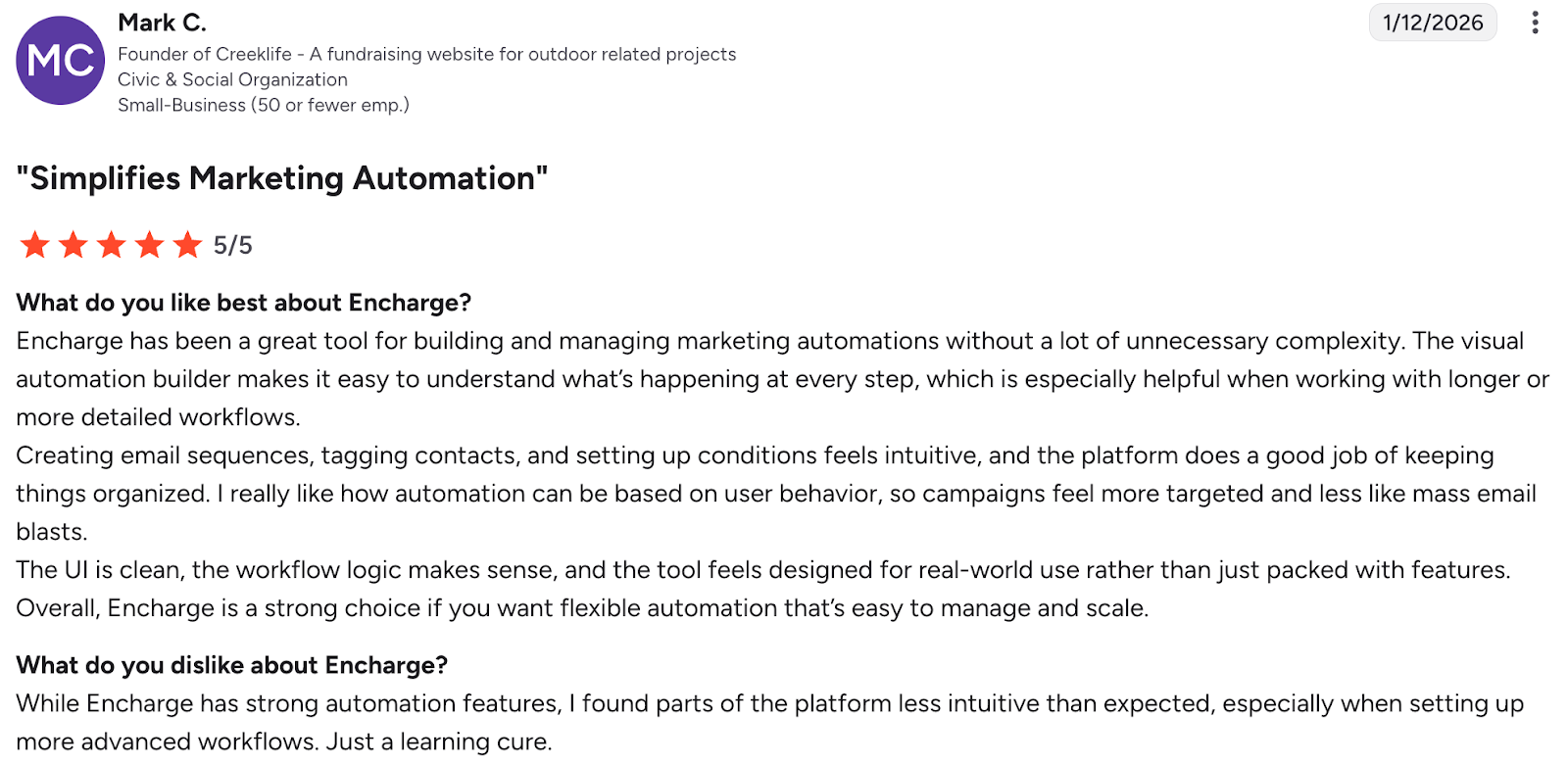
The visual flow builder is consistently rated as one of the fastest to learn, with users reporting they had their first automations running within hours of signing up. It also includes built-in email verification on all plans, which helps protect deliverability before you send.
Best For
B2B SaaS teams that want behavior-based automation tied to product activity and billing events
Pros
- Event-based segmentation across in-app behavior, billing, and CRM data in a single flow
- Native billing integrations (Stripe, Chargebee, Recurly) for automated lifecycle emails without Zapier workarounds
- Built-in email verification on all plans to protect sender reputation
Cons
- No native landing page builder, requiring an external tool for full funnel creation
- Limited ecommerce capabilities compared to Mailchimp (no cart abandonment or product recommendation features)
- Advanced features like event-based segments and Salesforce integration are gated behind the Premium plan
Pricing
Growth plan starts at $79/month for up to 2,000 subscribers (or ~$79/month billed annually); Premium starts at $129/month with advanced integrations including HubSpot, Salesforce, and event-based segmentation; Enterprise pricing available on request.
Ratings and Reviews
Encharge is rated 4.6/5 on G2
5. Zapier
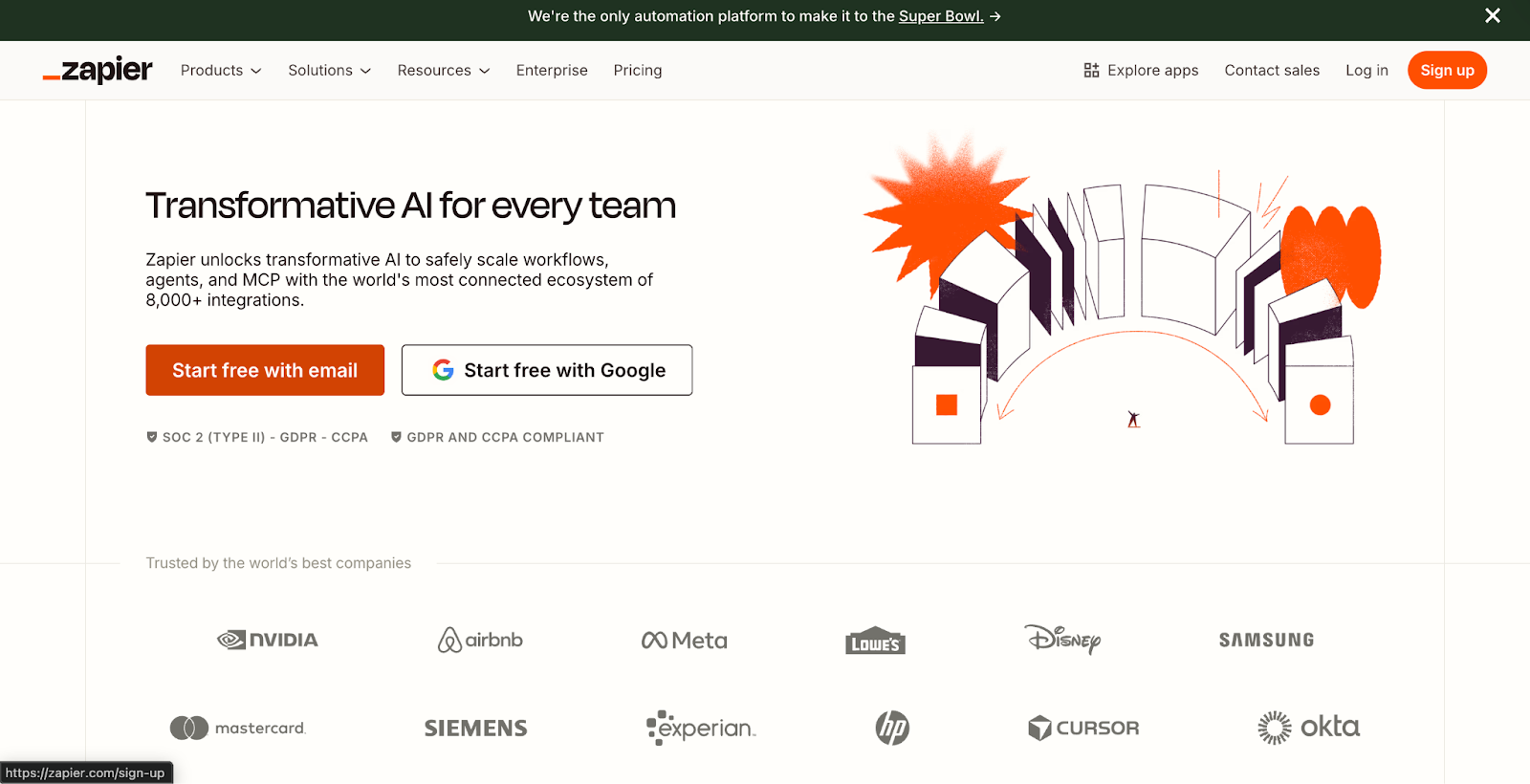
Zapier is the go-to tool for marketing teams that need to connect their existing stack rather than replace it. Zapier is one tool that sits above your entire toolset, connecting over 8,000 apps through automated workflows called “Zaps.”
You can push leads from Facebook Lead Ads straight into your CRM, trigger personalized email sequences based on form fills, sync campaign data across analytics platforms, and keep Salesforce and Marketo in lockstep, all without engineering support.
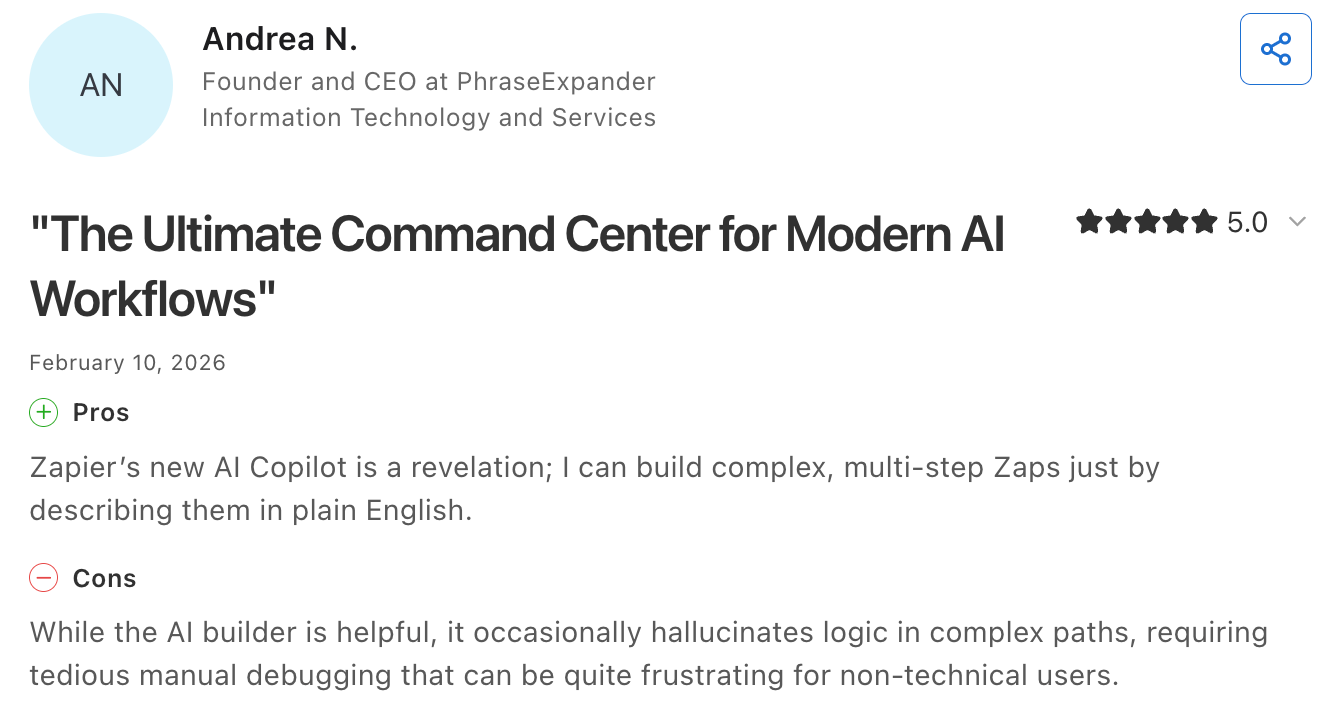
Our team loved their Copilot feature, which lets you describe what you want in plain language and drafts the workflow for you, genuinely speeding up setup for non-technical marketers.
What makes Zapier even more distinct is how it handles conditional logic across your marketing funnel. Using Paths, you can branch a single trigger into multiple outcomes: a lead from a paid campaign follows one sequence, while an organic lead follows another.
Zapier, ultimately, is not a replacement for dedicated marketing automation platforms like HubSpot or Marketo. It's best used as the connective tissue between them.
Best For
Connecting and syncing marketing tools across a fragmented tech stack
Pros
- Supports 8,000+ app integrations, giving it broader connectivity than any dedicated marketing automation tool
- Copilot builds workflows from plain-language prompts, removing the need for manual trigger-action mapping
- Conditional Paths let marketing teams route leads differently based on source, behavior, or data attributes
Cons
- Pricing is task-based, so high-frequency marketing workflows (large email lists, frequent lead captures) can push costs up quickly and unpredictably
- Not built for deep marketing automation natively: things like lead scoring, lifecycle stages, or behavioral tracking require pairing with another platform
- Some premium app integrations (including popular marketing tools) are locked behind higher-tier plans
Pricing
Free plan available (100 tasks/month); Professional starts at $19.99/month (billed annually); Team at $69/month; Enterprise is custom pricing.
Ratings and Reviews
Zapier is rated 4.7/5 on Capterra
6. Typeform
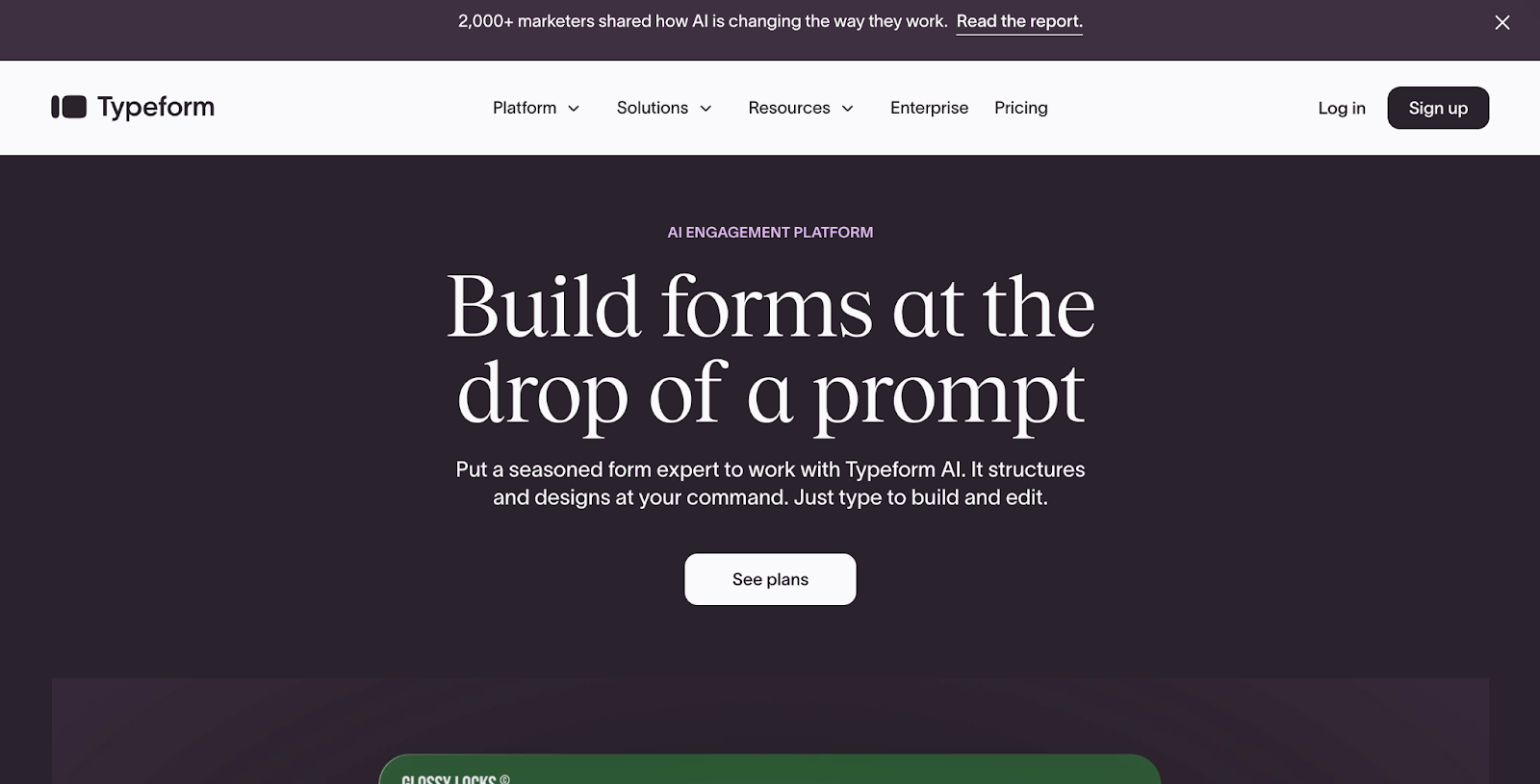
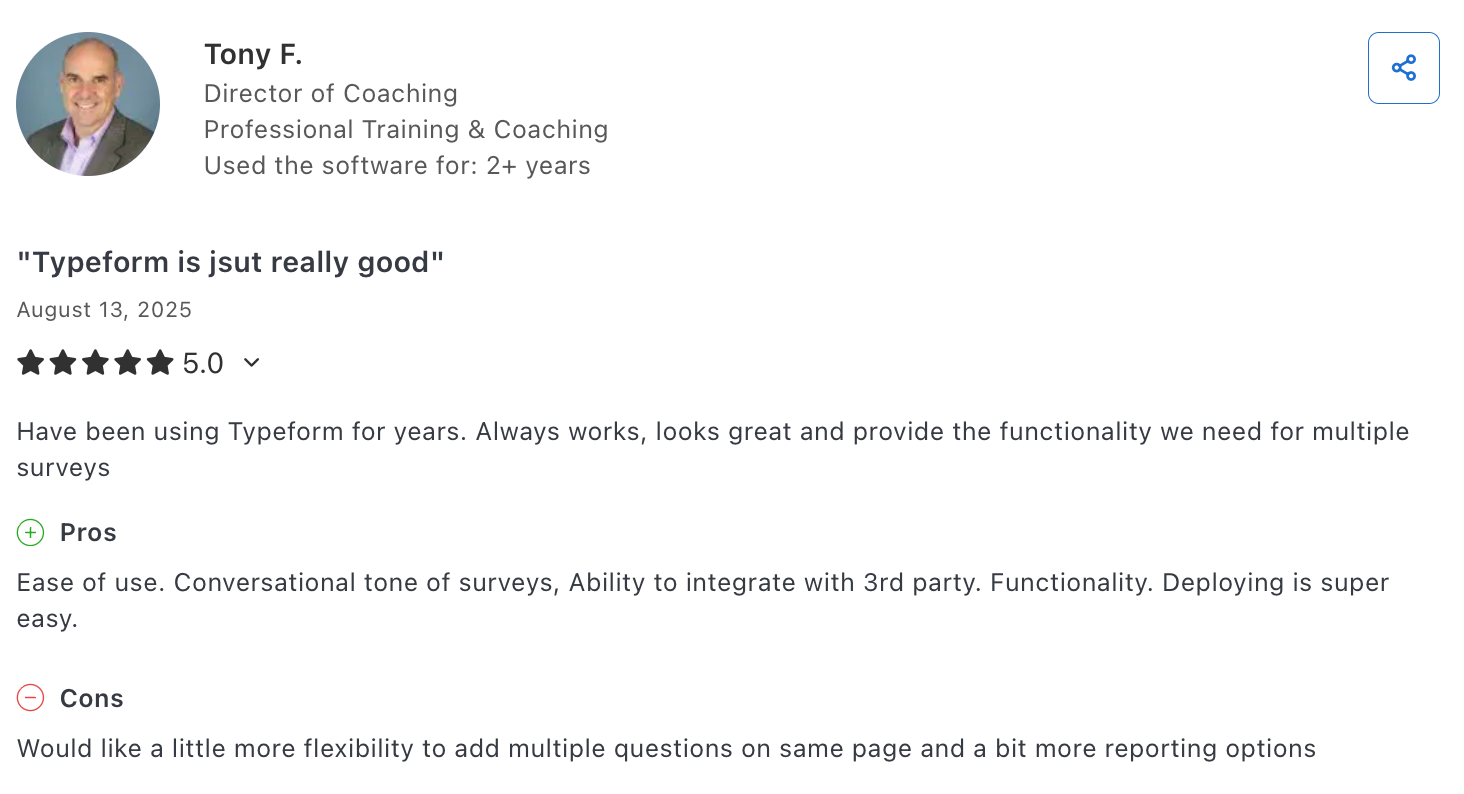
Typeform handles the moment most marketing automation platforms take for granted: the data collection step.
While tools like HubSpot or Marketo automate what happens to a lead, Typeform shapes the quality of leads that enter the funnel in the first place.
What's pushed it further in the last year is the AI layer on top of standard forms.
Interaction AI generates follow-up questions mid-form in real time, based on each respondent's open-ended answers, removing the need to pre-map every conditional path.
Alongside this, Creator AI builds an entire form from a plain-text prompt, and Insights AI lets you interrogate your response data conversationally rather than sifting through exports.
For B2B teams, Typeform’s built-in data enrichment automatically appends company size, revenue, and job title to submissions, so your CRM receives qualified leads rather than just email addresses.
The Workflow Builder now handles post-submission automation natively, triggering HubSpot updates, Slack alerts, or follow-up emails inside Typeform without routing through Zapier.
Best For
Top-of-funnel lead capture and qualification
Pros
- Interaction AI adapts questions mid-form in real time
- Built-in B2B enrichment qualifies leads at submission without a separate enrichment tool
- Hidden fields capture UTM and source data silently, preserving full attribution
Cons
- Multi-level conditional logic hits a ceiling; complex scoring or nested conditions require a workaround or a different tool
- Response volume caps make pricing unpredictable for high-traffic campaigns
- Advanced integrations (Salesforce, video forms, enrichment) are locked to Growth-tier plans and above
Pricing
Free plan available (10 responses/month); Basic from $29/month; additional plans with enrichment and advanced automation from $56/month
Ratings and Reviews
Typeform is rated 4.7/5 on Capterra
Effective Marketing Automation Strategies for SaaS Companies
While these tools go a long way in saving you time and money, it also helps to practice automation as a way of thinking, beyond your tool stack.
Here are some ways you can explore marketing automation in order to make your GTM more efficient:
Map Your Lifecycle Funnel
Before you begin building sequences, define your lifecycle stages (awareness, trial activation, conversion, retention, expansion) and identify where the biggest drop-offs happen. That's where automation delivers the most leverage.
For example, if your data shows most churn happens within the first 30 days, your automation priority should be onboarding and activation workflows.
Use Behavior-Based Triggers
Most SaaS teams start with time-based drip campaigns: Day 1 welcome email, Day 3 feature highlight, Day 7 trial reminder. These are fine as a baseline, but they ignore what the user is doing.
Connect your product analytics to your email platform so workflows fire based on real actions: a user completing setup, inviting a teammate, hitting a usage threshold, or going inactive. Tools like Encharge and HubSpot support these triggers natively.
Segment by Value
Not every lead deserves the same attention. Segment users by plan tier, company size, product usage, and expansion potential. Leads on higher-value plans and customers with higher lifetime value warrant more touchpoints and, often, sales involvement.
The same logic applies to churn prevention.
Align Sales and Marketing
Automated lead scoring, CRM updates, and handoff triggers in real time. When a product-qualified lead crosses a threshold, the system can notify sales immediately, update the CRM stage, and pause the marketing drip simultaneously.
This kind of orchestration shortens sales cycles and ensures that no high-intent signal gets lost between tools or teams.
Automate Content Distribution
Content isn't just a top-of-funnel play anymore. Automated content workflows (refreshing outdated blog posts, publishing SEO-optimized updates, distributing new assets across channels) keep your brand visible without requiring a full content team.
Tools like Slate now automate the full content lifecycle: monitoring AI search visibility, identifying gaps, and triggering research-to-publish workflows that run continuously.
Partner with TripleDart for an Efficient SaaS Marketing Automation Strategy
The right automation stack turns your lifecycle funnel into a revenue engine, without requiring headcount for every new segment or workflow.
At TripleDart, automation is core to how we’ve built inbound GTM engines for 250+ B2B SaaS companies.
Our AI-powered workflows run across SEO, paid acquisition, content, and RevOps, enhancing speed and quality without replacing the senior expertise behind every decision.
We are experts at turning unpredictable marketing spend into a predictable pipeline.
If your team is still stitching together manual processes across disconnected tools, it is time to talk. Book an intro call with our automation experts and see what a systemized inbound engine looks like.
Frequently Asked Questions
1. What is SaaS marketing automation?
It's the use of cloud-based tools to automatically handle marketing tasks: email sequences, lead scoring, behavioral triggers, and campaign attribution. In 2026, this extends to in-app activity, billing events, and product usage patterns, far beyond basic drip campaigns.
2. Why do SaaS companies need marketing automation?
SaaS revenue is recurring, so every lifecycle touchpoint impacts ARR. Automation closes the signup-to-paid gap, scales outreach without adding headcount, personalizes messaging across segments, and turns retention from a reactive effort into a proactive system.
3. Which tool is best for SaaS marketing automation?
It depends on the use case. Encharge is built for product-led SaaS with in-app and billing triggers. HubSpot suits teams needing CRM-native automation with revenue attribution. Zapier connects your existing stack. Slate automates the full content lifecycle, from AI visibility monitoring to CMS publishing.
4. What's the difference between time-based and behavior-based automation?
Time-based automation fires on a fixed schedule regardless of user activity. Behavior-based automation fires on real signals: a user going inactive, completing setup, or hitting a usage threshold. The latter is significantly more effective because it responds to what users actually do.
5. How much do these tools cost?
HubSpot starts free (Professional at $890/month). Mailchimp's multi-step automation starts at $20/month. Encharge from $79/month. Zapier Professional from $19.99/month. Typeform from $29/month. Slate is custom-priced with a 14-day free trial.
6. Can automation help with retention, not just acquisition?
Absolutely. And for SaaS, this is often where it delivers the most ROI. Automation detects disengagement signals (missed logins, declining usage) and triggers intervention before a customer churns. Since retention costs roughly five times less than acquisition, this has a direct impact on ARR.
7. Do I need technical skills to set up automation workflows?
No. Most modern platforms offer visual builders designed for non-technical marketers. Zapier's Copilot lets you describe a workflow in plain language and builds it for you. Setup overhead varies, but developer support is rarely required.
8. How does AI fit into marketing automation in 2026?
AI is now embedded into core workflows, not just added on top. HubSpot uses it for journey building and lookalike audiences. Mailchimp applies it to predictive segmentation. Typeform adapts form questions in real time. Slate monitors AI search visibility across ChatGPT, Perplexity, and Gemini, then automatically triggers content workflows to close gaps.

.png)



.webp)







.webp)



.webp)

.webp)
.png)




%20(1).png)


.webp)
.webp)
.webp)



%20Ads%20for%20SaaS%202026_%20Types%2C%20Strategies%20%26%20Best%20Practices%20(1).webp)



.webp)











![Creating an Enterprise SaaS Marketing Strategy [Based on Industry Insights and Trends in 2026]](https://cdn.prod.website-files.com/632b673b055f4310bdb8637d/6a218bacea463474377dfd32_34%20-%20Creating%20an%20Enterprise%20SaaS%20Marketing%20Strategy.png)































.webp)





%20Agencies%20for%20B2B%20SaaS%20Compared%20(2026).webp)

.webp)
%20with%20Hubspot.webp)


_%20Expert%20Reviews%20%26%20Comparisons.png)






.webp)




_%20Comparison%2C%20Strengths%2C%20and%20How%20to%20Choose.png)







.webp)



.webp)



.webp)


















%20Tools%20in%202026_%20Vetted%20List.webp)



![How to Measure AEO Success: 12 Metrics Beyond Clicks [2026 Framework]](https://cdn.prod.website-files.com/632b673b055f4310bdb8637d/6a0d664b326187e99b3d5960_6%20-%20The%20Ultimate%20Guide%20to%20Measuring%20AEO%20Success%20in%202026.png)
![7-Step Workflow for AEO-Ready Content [2026 Framework]](https://cdn.prod.website-files.com/632b673b055f4310bdb8637d/6a0d55ea88913ede1d3a7123_5%20-%20Workflows%20for%20Optimized%20AEO-Ready%20Content%20Creation.png)
.png)

![How to Structure Content for AEO and GEO [With Templates]](https://cdn.prod.website-files.com/632b673b055f4310bdb8637d/6a0c6a56eb700472e635ff33_1%20-%20How%20to%20Structure%20%20Content%20for%20AEO%20and%20GEO%20%20Summaries%20(2026).png)






.png)
.png)












.webp)
%20Agencies%20in%202027.webp)
.webp)
![Top 9 AI SEO Content Generators for 2026 [Ranked & Reviewed]](https://cdn.prod.website-files.com/632b673b055f4310bdb8637d/6a2a3e3105bc1a127aae4e8e_34%20-%20Top%209%20AI%20SEO%20Content%20Generators%20for%202026%20%5BRanked%20%26%20Reviewed%5D.webp)