

.png)

In the evolving world of search engine optimization, tracking keywords that rank in AI Overviews is essential for a successful content strategy.
With the rise of Google's AI-generated summaries, it’s vital to understand how these features impact your visibility online.
You can effectively track these keywords using Ahrefs, which allows you to monitor your performance and adjust your tactics accordingly.
Staying ahead in this area can give you a significant advantage in search results.
By focusing on AI rank tracking, you can refine your keyword research and ensure your content remains relevant.
Step-by-Step Tutorial on How to Track Keywords That Are Ranking in AI Overviews Using Ahrefs
1. Enter a domain or URL to start.
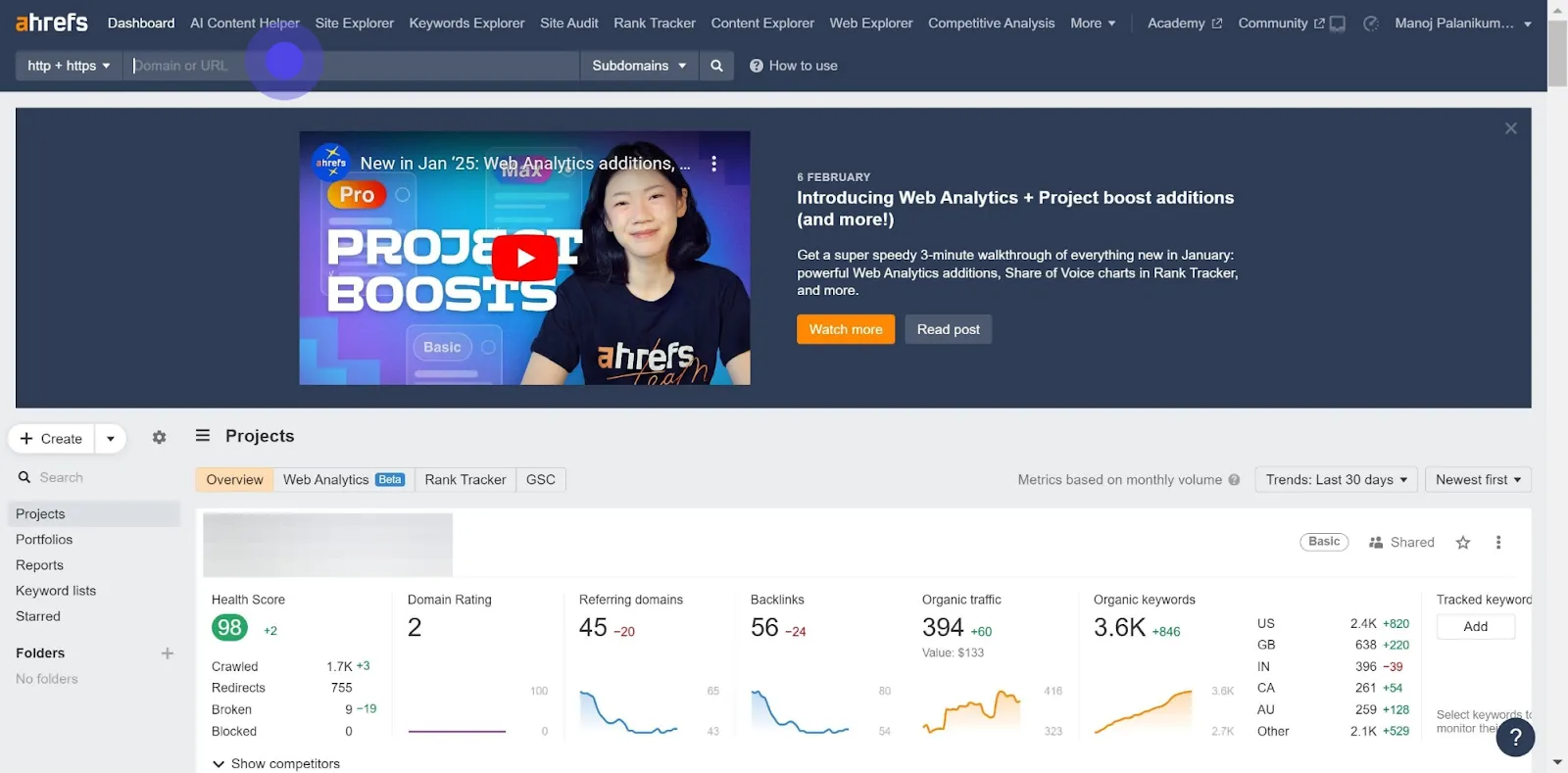
- Begin by navigating to Ahrefs' Site Explorer. Enter the domain or specific URL you wish to analyze in the search box.
2. Now, click the search button to proceed.
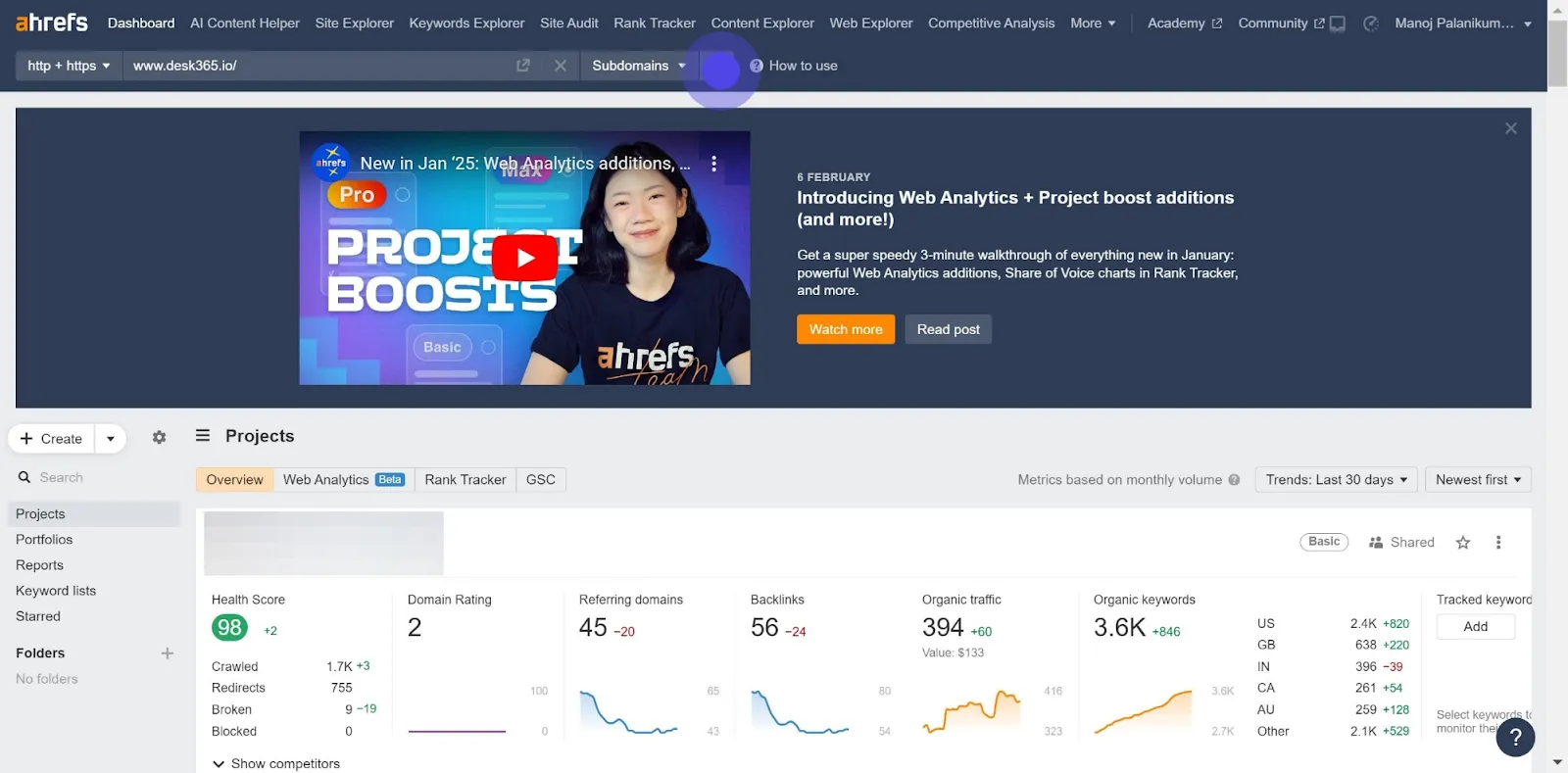
- Click on the search button to generate a comprehensive overview of the website's performance, including keywords.
3. Choose 'Organic keywords' tab in AHREFs.
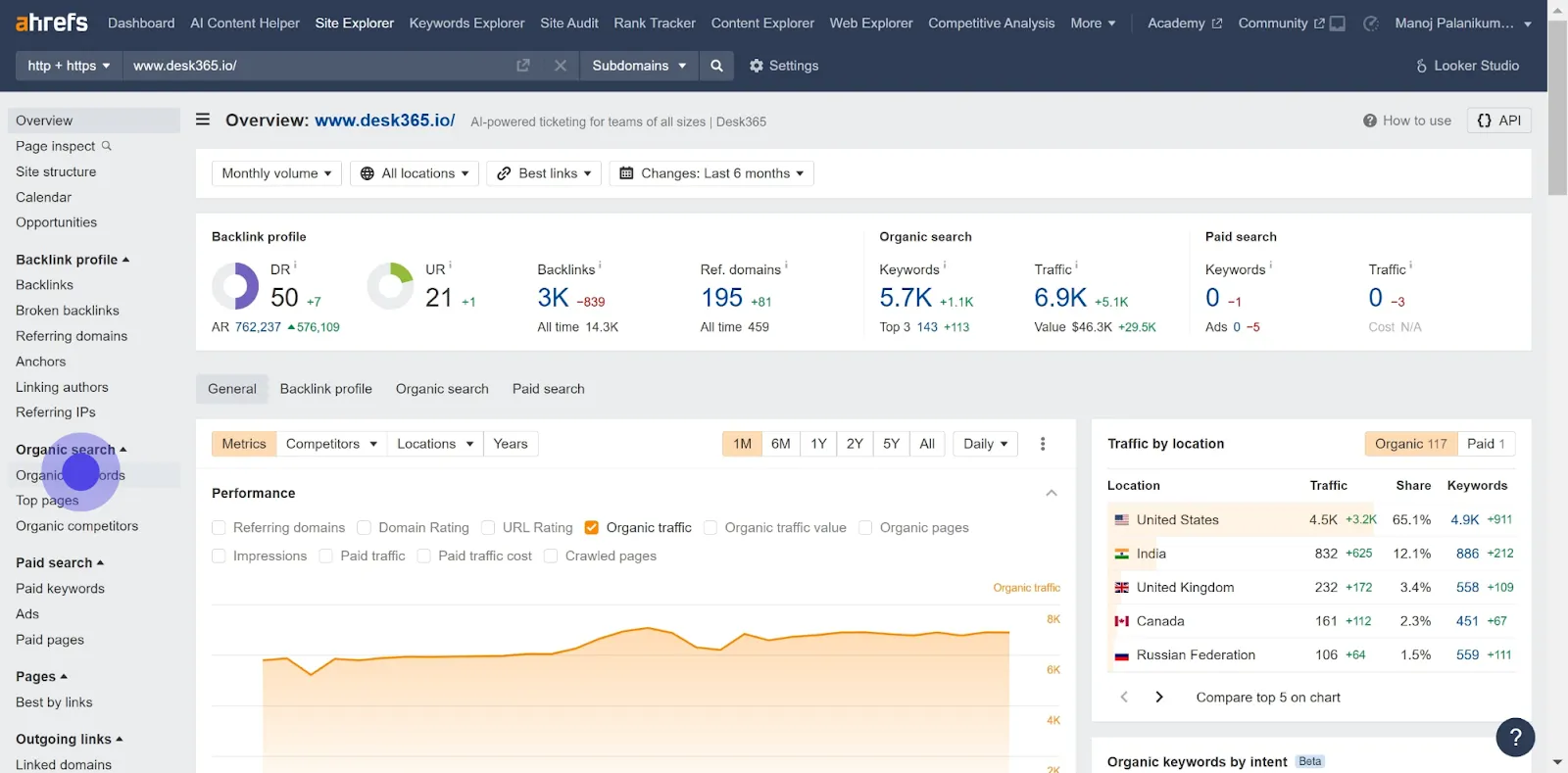
- Select the ‘Organic Keywords’ tab to view all the keywords that the domain ranks for in search engines.
4. Then, select 'More filters' to narrow your search.
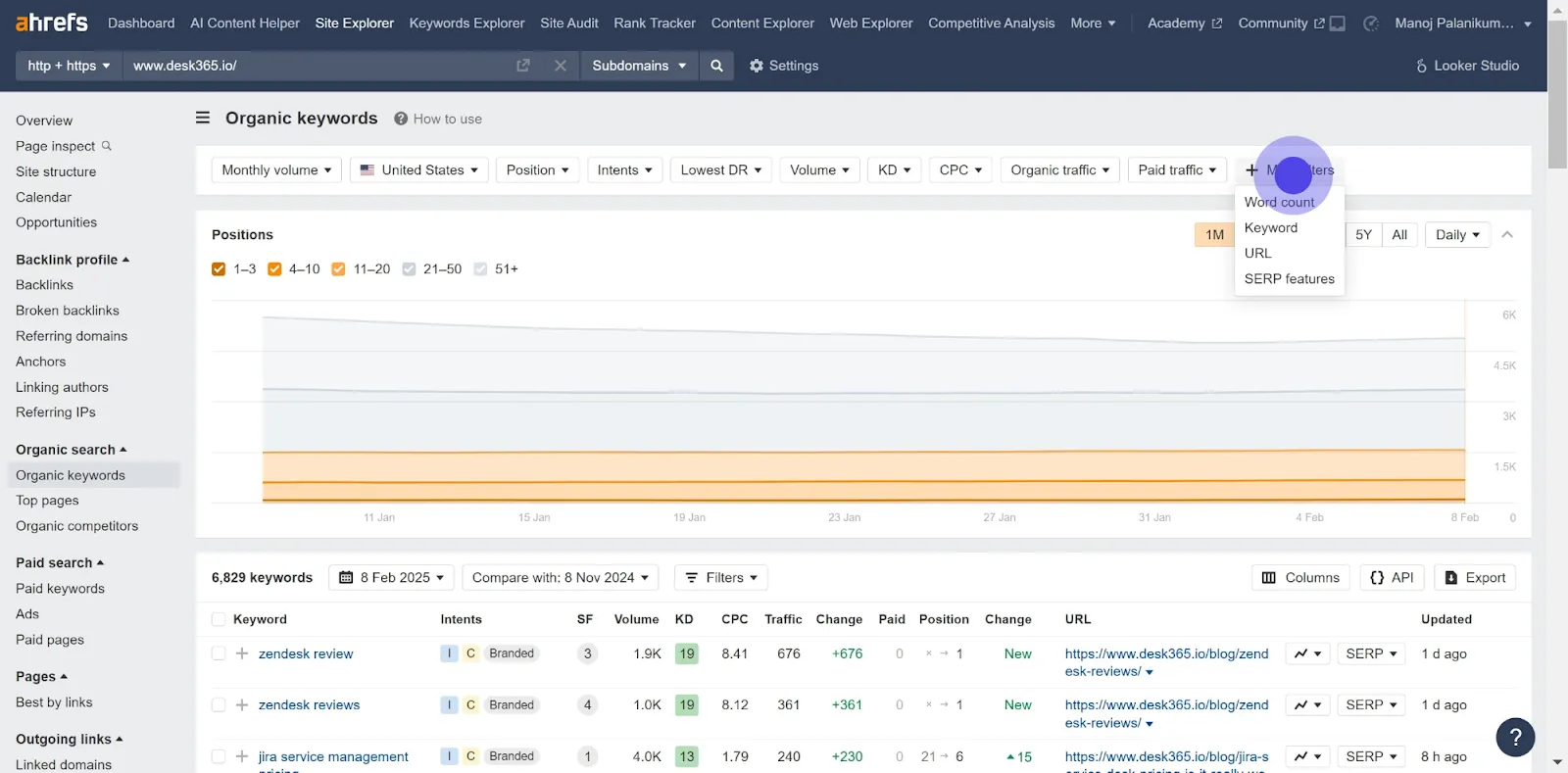
- Utilize the ‘More filters’ option to refine the list of keywords, allowing for a more targeted analysis.
5. Continue by clicking on 'AI overview' features.
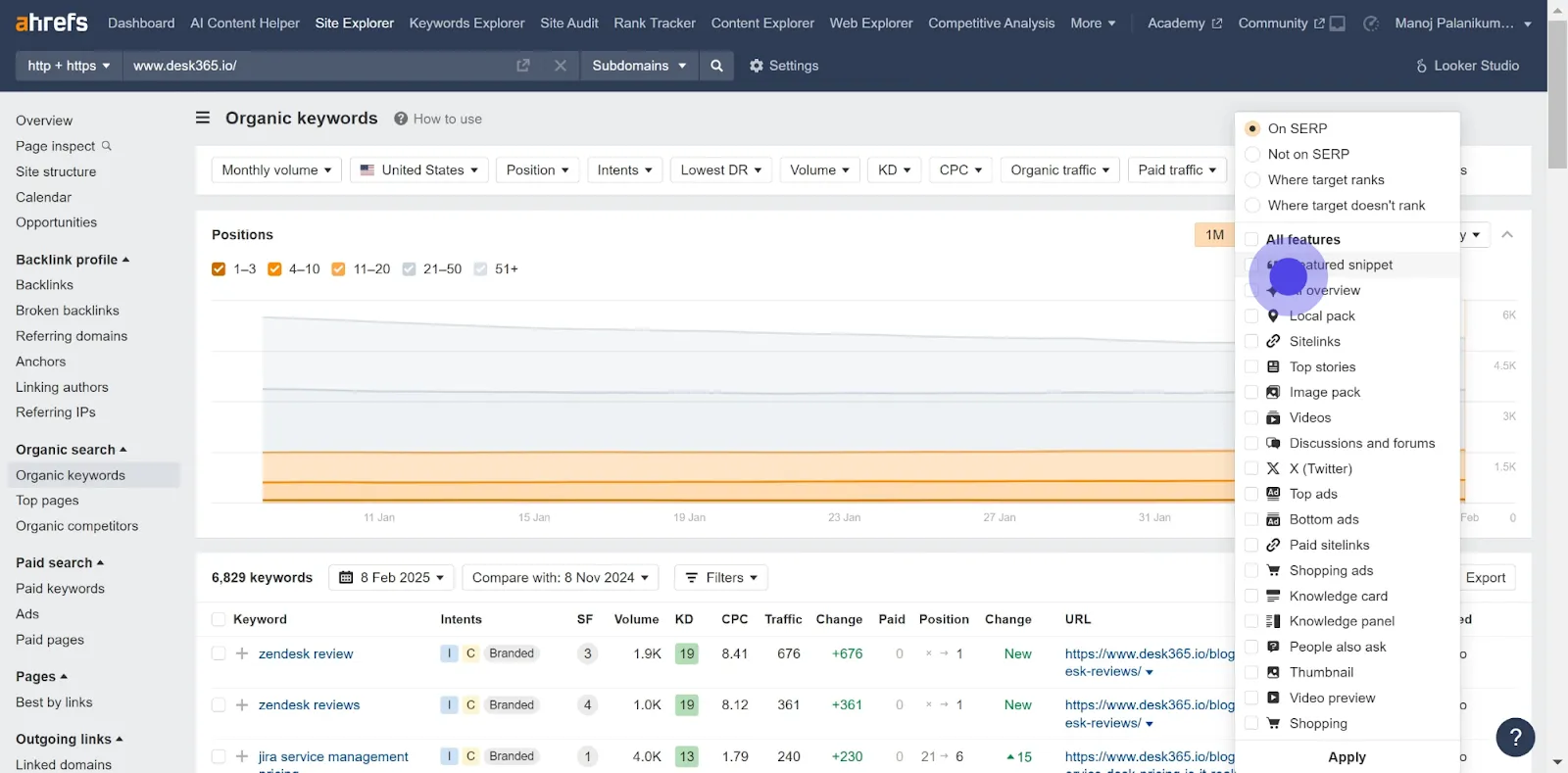
- Focus on keywords associated with AI Overviews by selecting the relevant SERP features.
6. Check the box to include it in your filter.
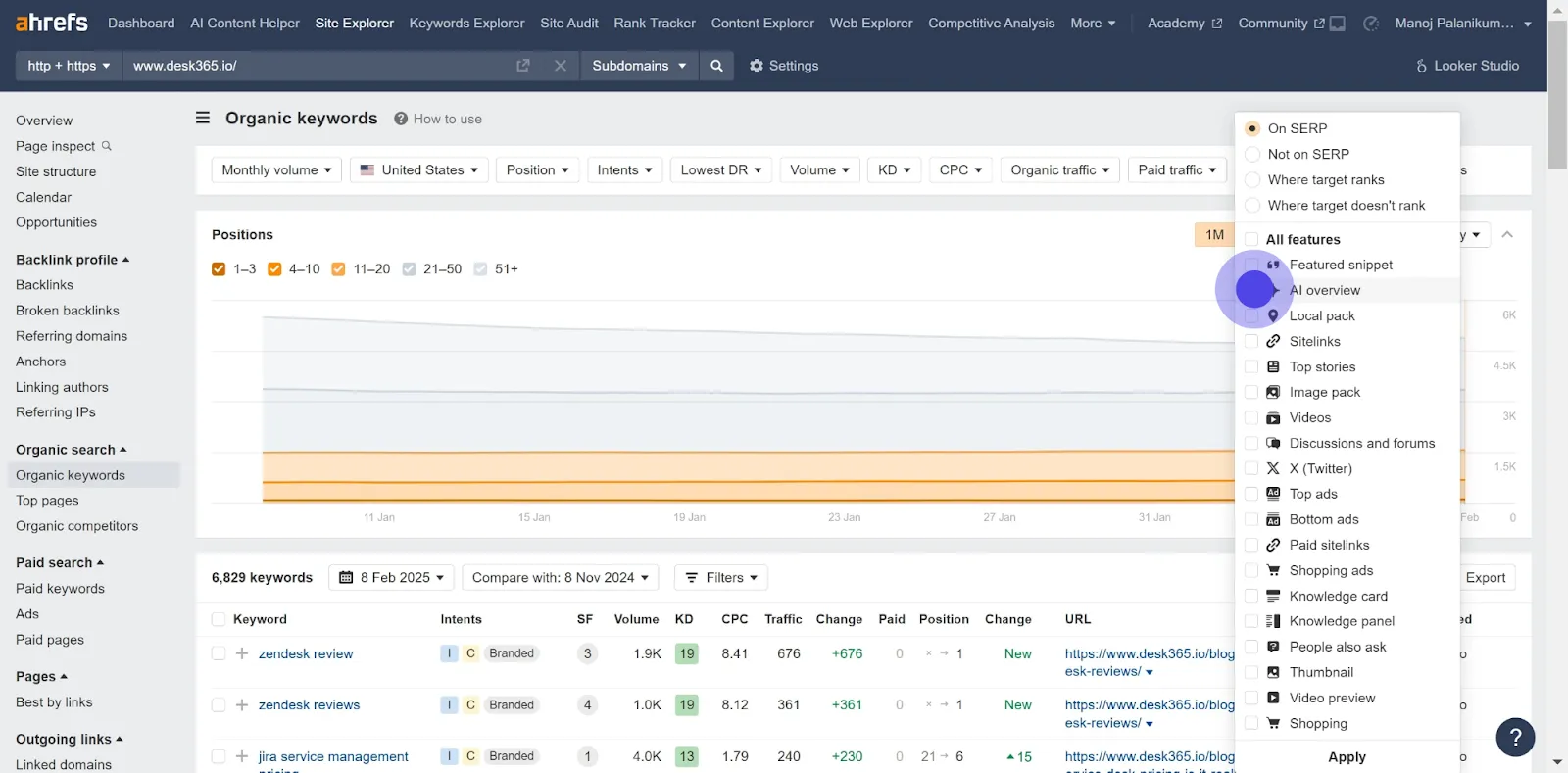
- Ensure that you check the box for AI-related SERP features to include them in your filter.
7. Click 'Apply' to confirm your filter settings.
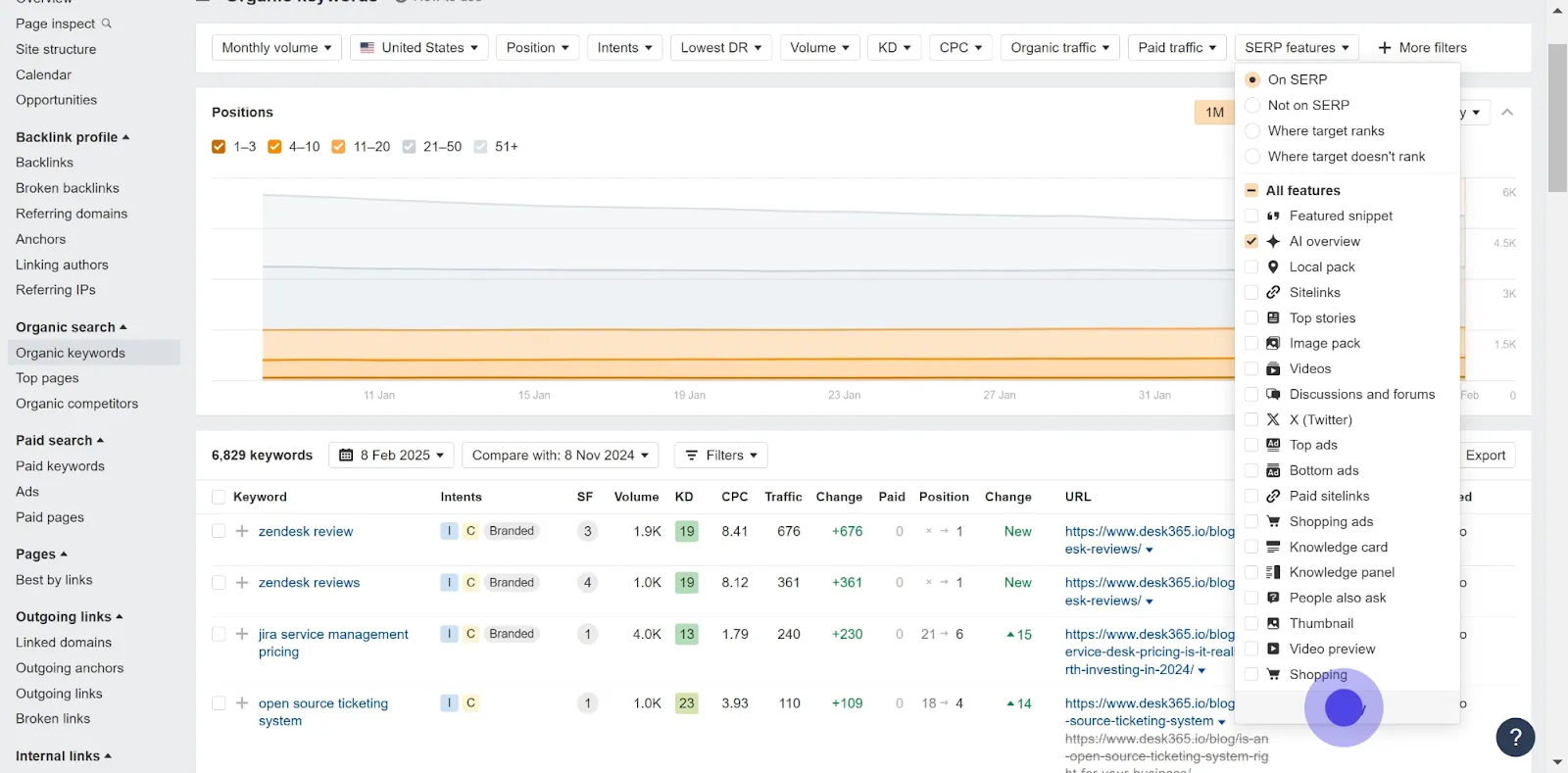
- Apply the filters to adjust the keyword list to your specified criteria.
8. Next, click 'Show results' to view the data.
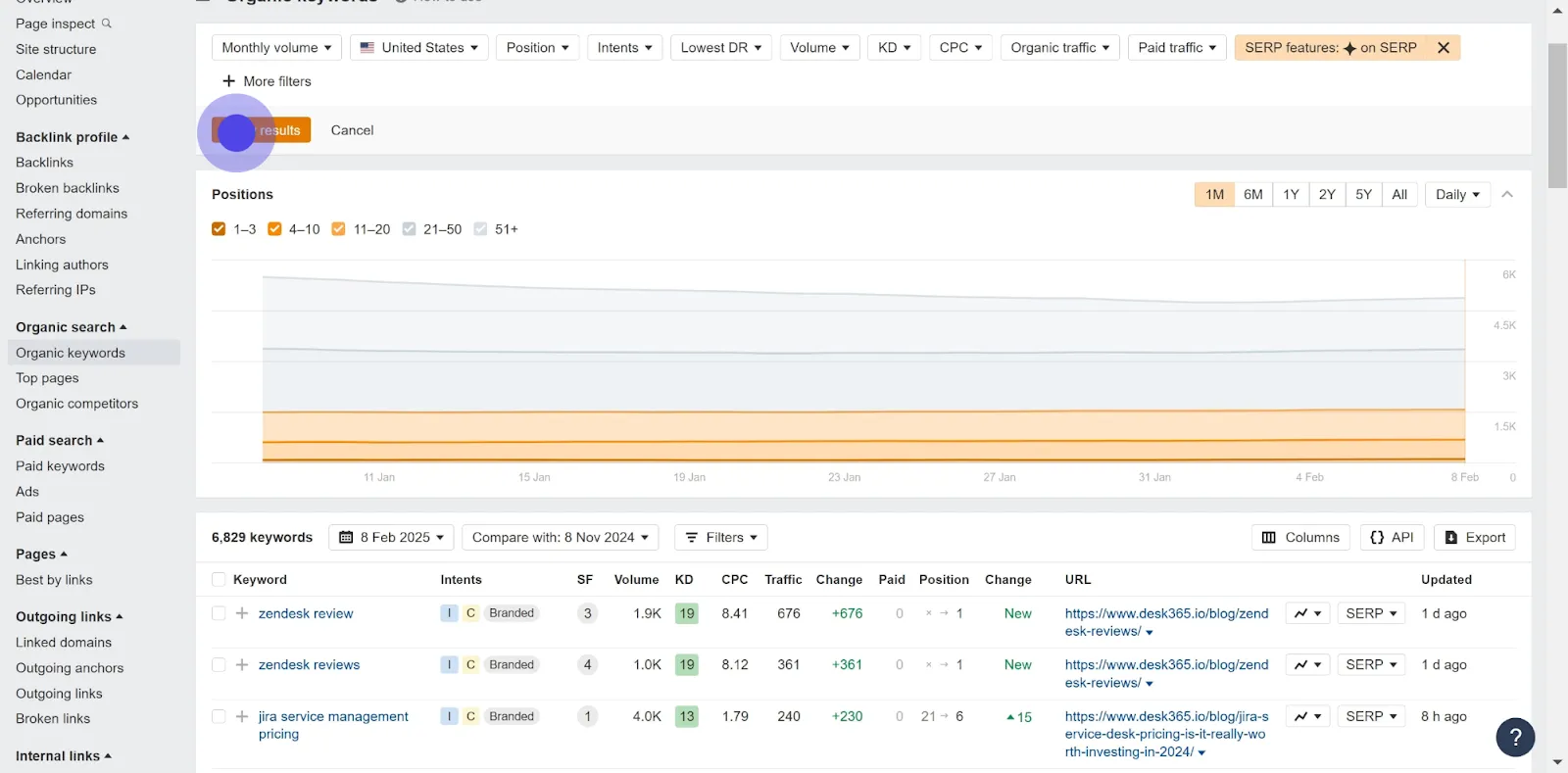
- Click ‘Show results’ to display the refined list of keywords, specifically those ranking in AI Overviews.
9. Lastly, click 'Export' to download the results.
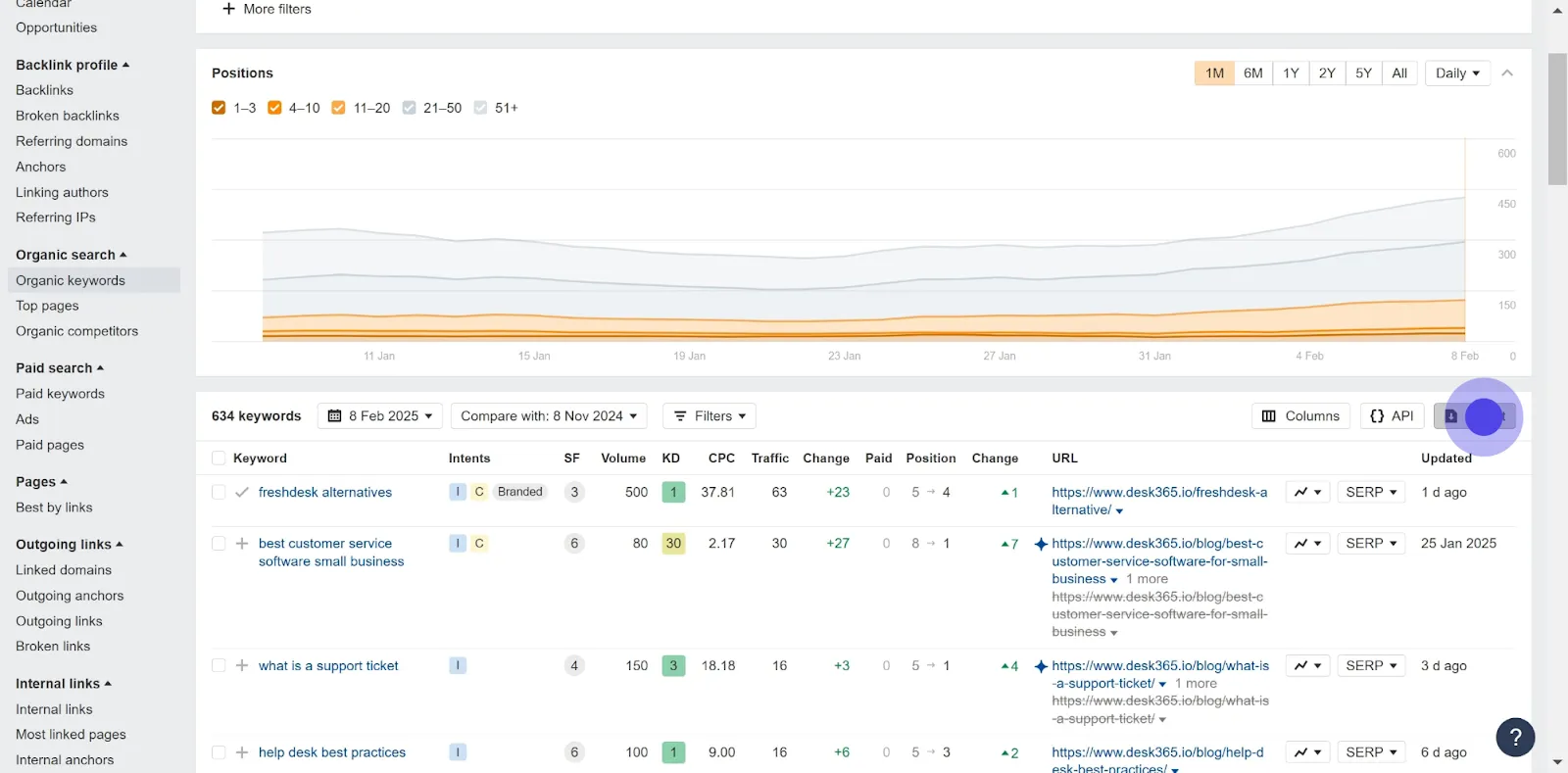
- Export the results for further analysis and reporting purposes.
Conclusion
Tracking keywords that rank in AI Overviews is crucial for enhancing your SEO strategy. A growing number of brands use Generative Engine Optimization (GEO) strategies to shape content that aligns with how AI systems evaluate relevance.
Understanding E-E-A-T (Experience, Expertise, Authoritativeness, Trustworthiness) is important. It plays a role in how your content is viewed by both search engines and users. Ensure that your content reflects these principles to boost your rankings.
Natural language processing (NLP) is another factor in AI Overviews. Writing clearly and using relevant topics can improve your chances of being featured.
Lastly, aim for content that provides information gain. This means giving users valuable insights that stand out in search results. When your content is informative, it is naturally favored by AI algorithms.
By following these strategies, you can effectively track and enhance your keyword rankings in AI Overviews.
Frequently asked Questions
.svg)
To start using Ahrefs for keyword ranking, sign up and create a project for your website. Enter your domain, and navigate to the "Rank Tracker" tool. Add the keywords you want to monitor along with their target URLs. Make sure to specify whether these are long-tail keywords or more competitive search queries.
Yes, Ahrefs allows you to track multiple keywords simultaneously. You can input a list of keywords in the Rank Tracker. This feature helps you evaluate keyword performance across various SERPs and see how different keywords contribute to your organic traffic.
To analyze trends, go to the "Rank Tracker" section. You can view ranking changes over days, weeks, or months. Ahrefs visualizes this data clearly, showing you how your rankings fluctuate and how factors like search volume and keyword difficulty affect your visibility.
Ahrefs tracks both mobile and desktop rankings, allowing you to see how your site performs across devices. You can filter results to view desktop traffic percent vs. mobile traffic percent. This distinction helps you understand user intent and optimize for mobile traffic.
Yes, you can set up alerts in Ahrefs to get notified about ranking changes. This feature enables you to monitor SERP features and catch shifts in click-through rates or search demand. Setting alerts helps you react quickly to important changes in your keyword performance.


