

.png)
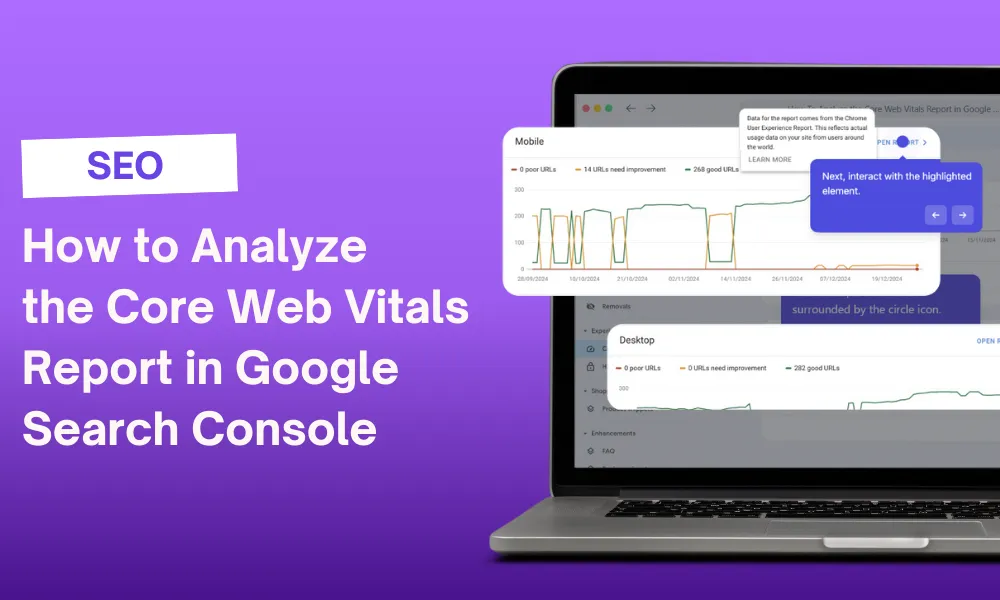
Analyzing the Core Web Vitals report in Google Search Console is essential for improving your website's performance and SEO. This report provides valuable insights into how well your site performs in terms of loading speed, interactivity, and visual stability. Understanding these metrics can help you identify issues that may affect user experience and search rankings.
With the right approach, you can effectively use the Core Web Vitals report to enhance your site's user experience and drive better SEO results. Implementing changes based on this data can lead to increased traffic and improved user satisfaction, making it a worthwhile endeavor for any website owner.
Step-by-Step Tutorial on How To Analyze the Core Web Vitals Report in Google Search Console
1. Begin by clicking on Core web vitals.
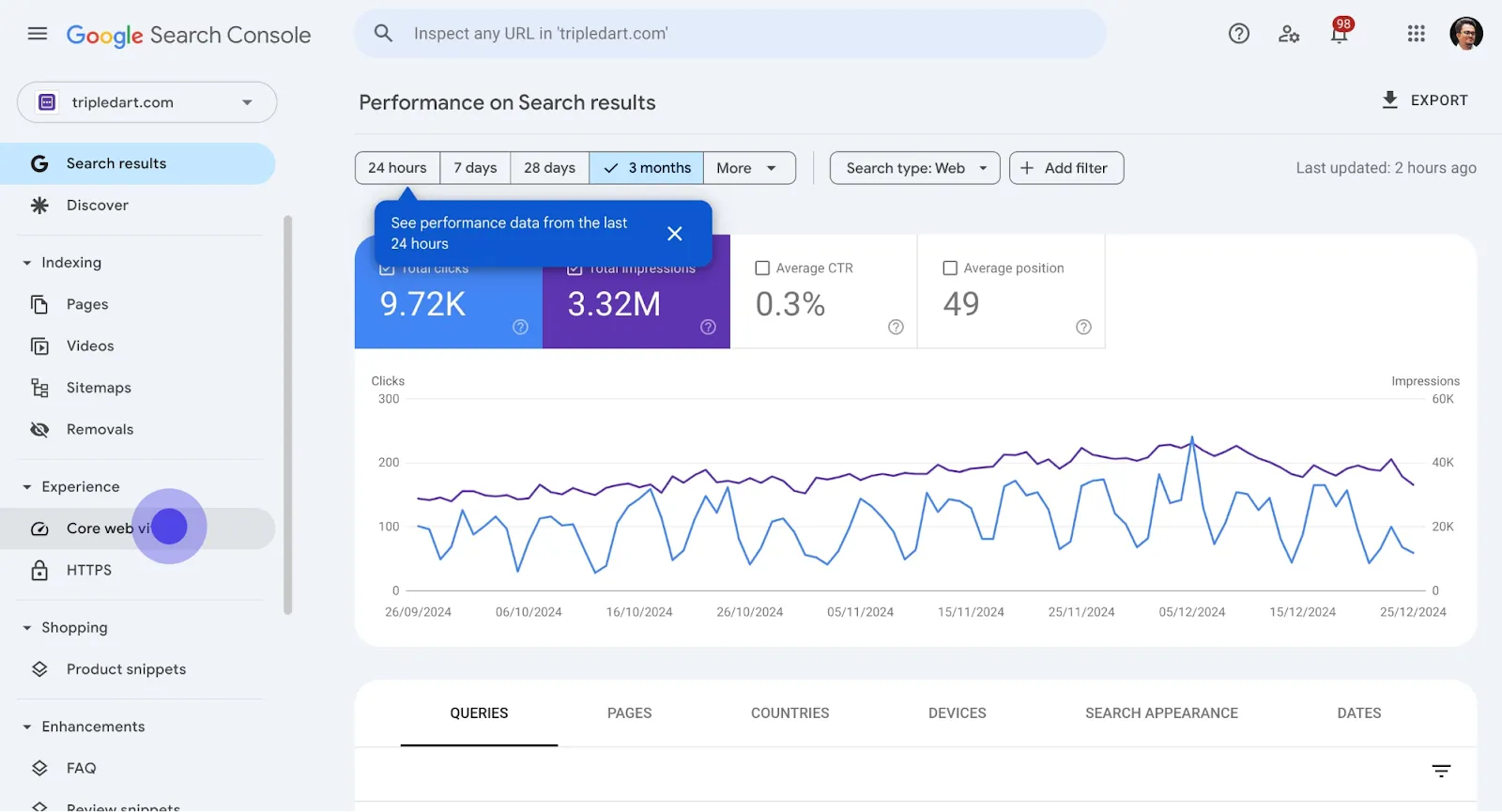
2. Then, locate and click the circle icon.
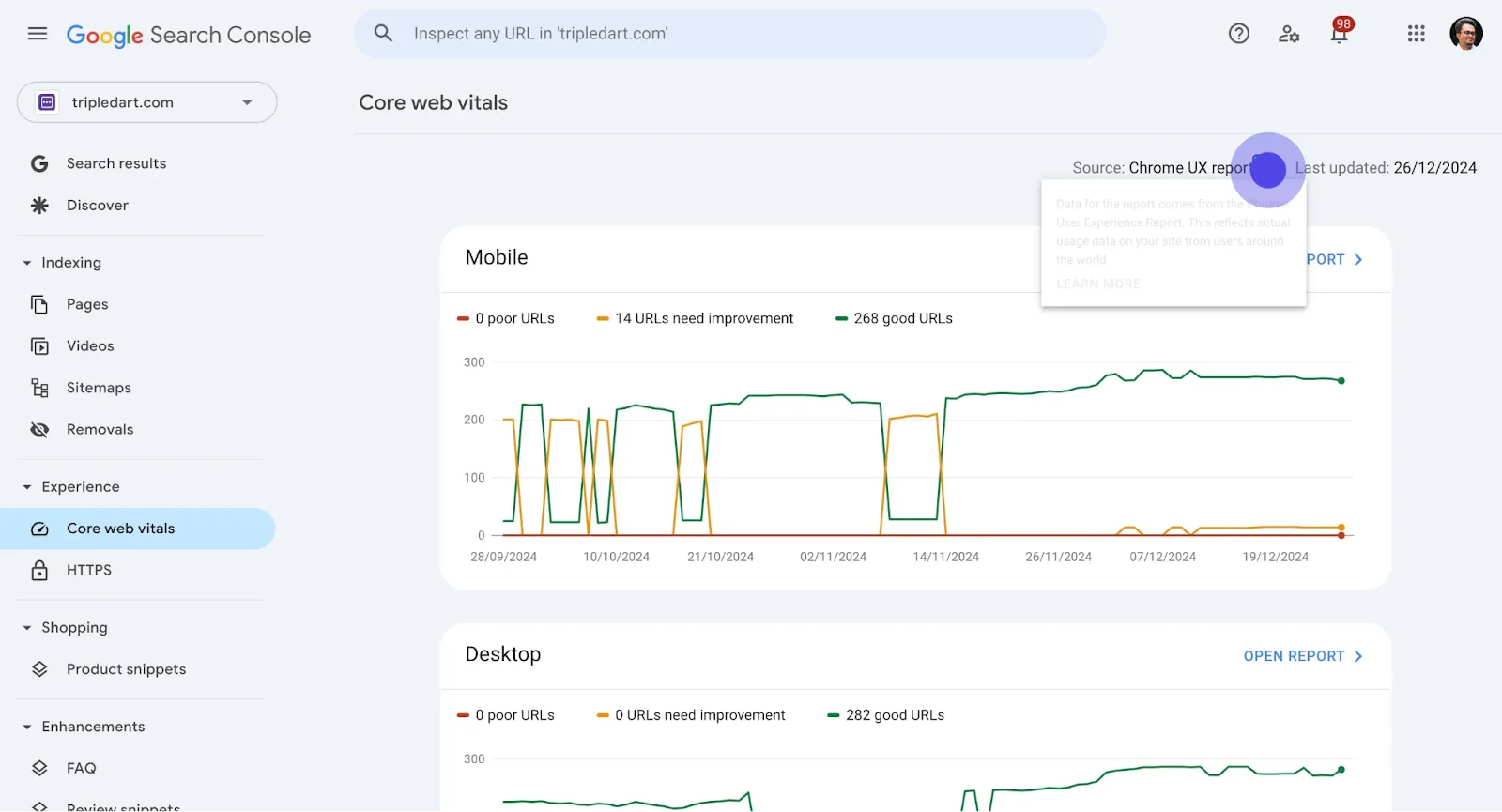
3. Next, interact with the highlighted element.
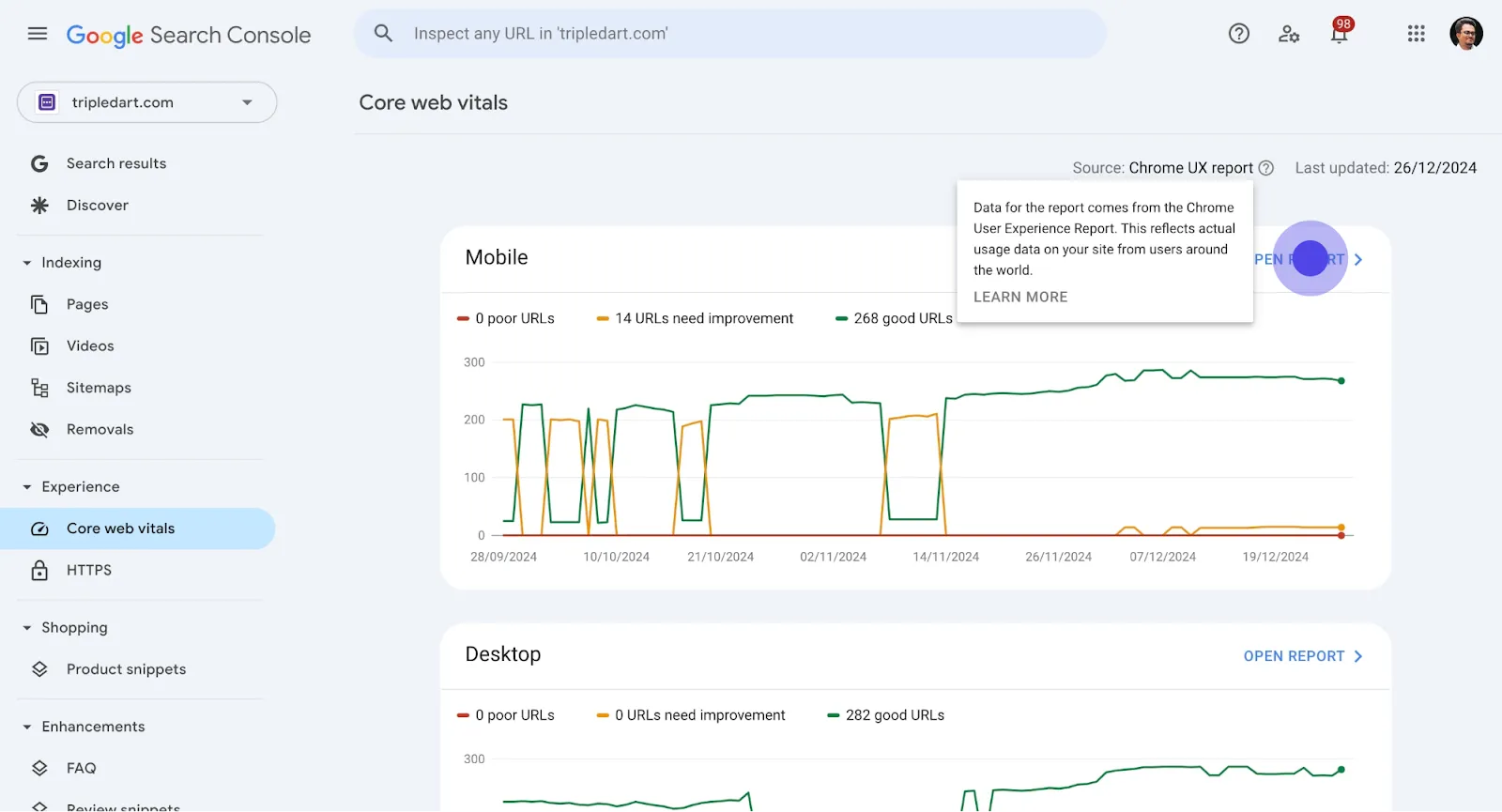
4. Now, click on Open report to proceed.
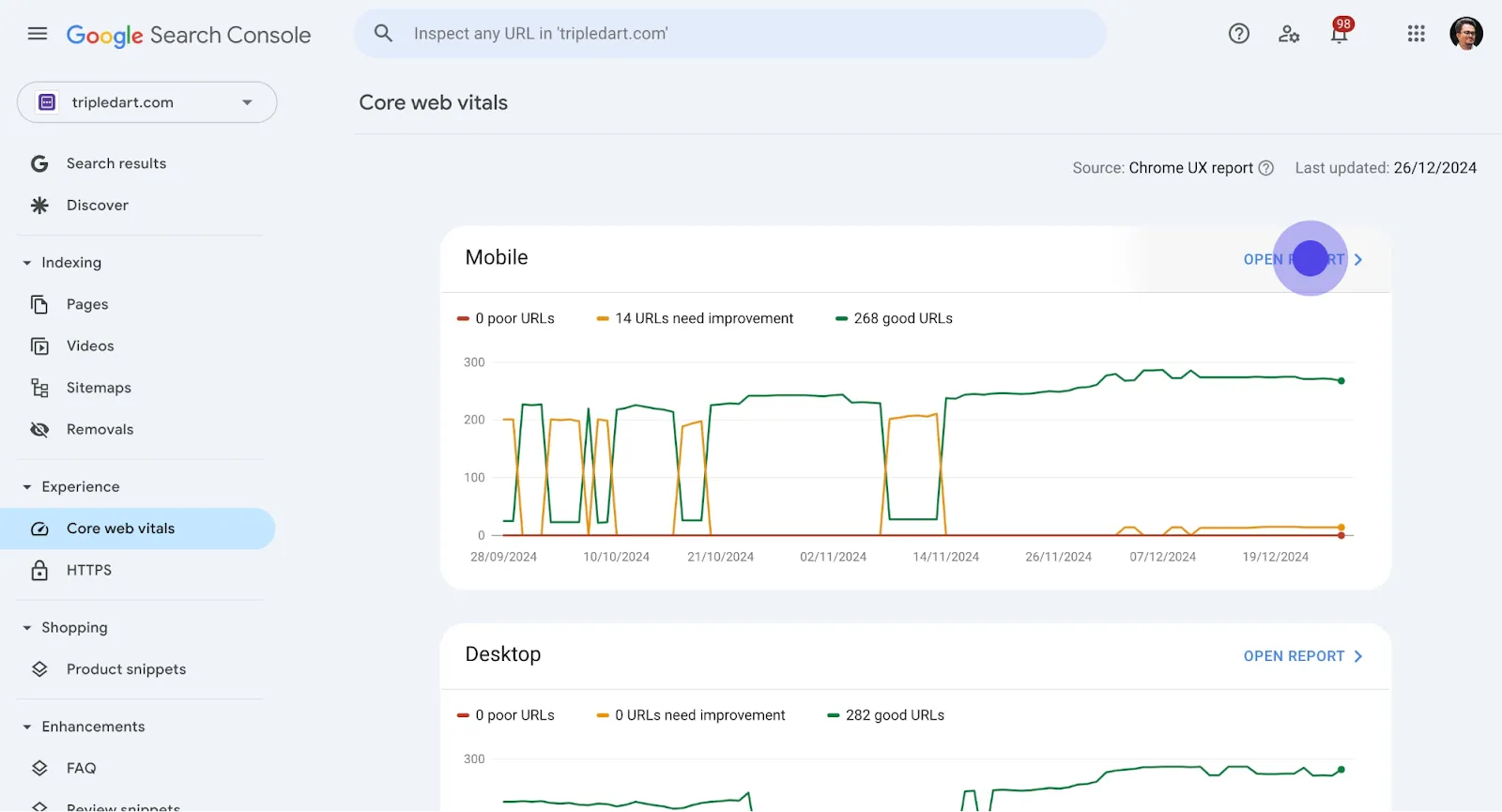
5. Continue by selecting the number 14.
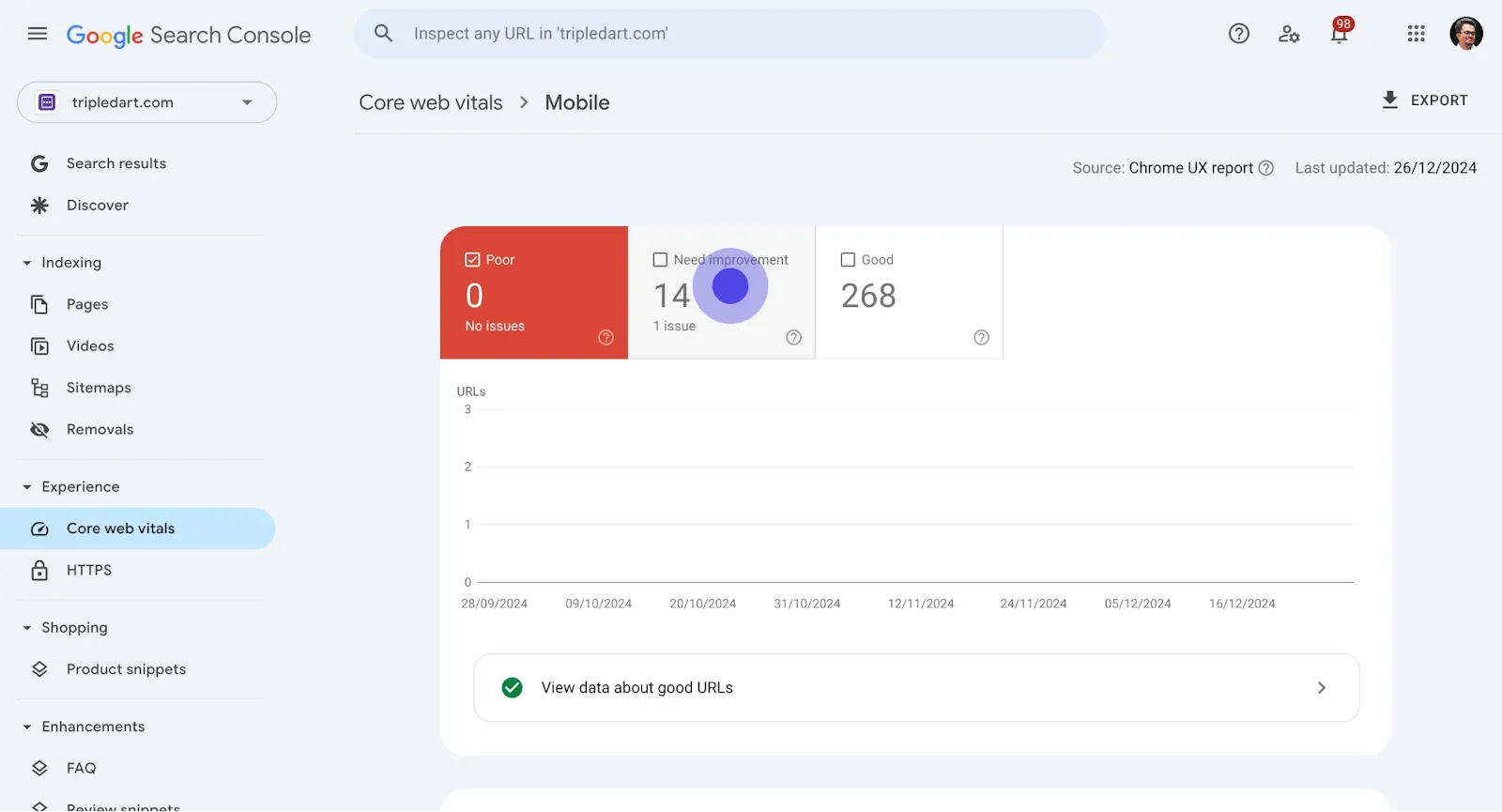
6. Afterwards, click on Issue surrounded by the circle icon.
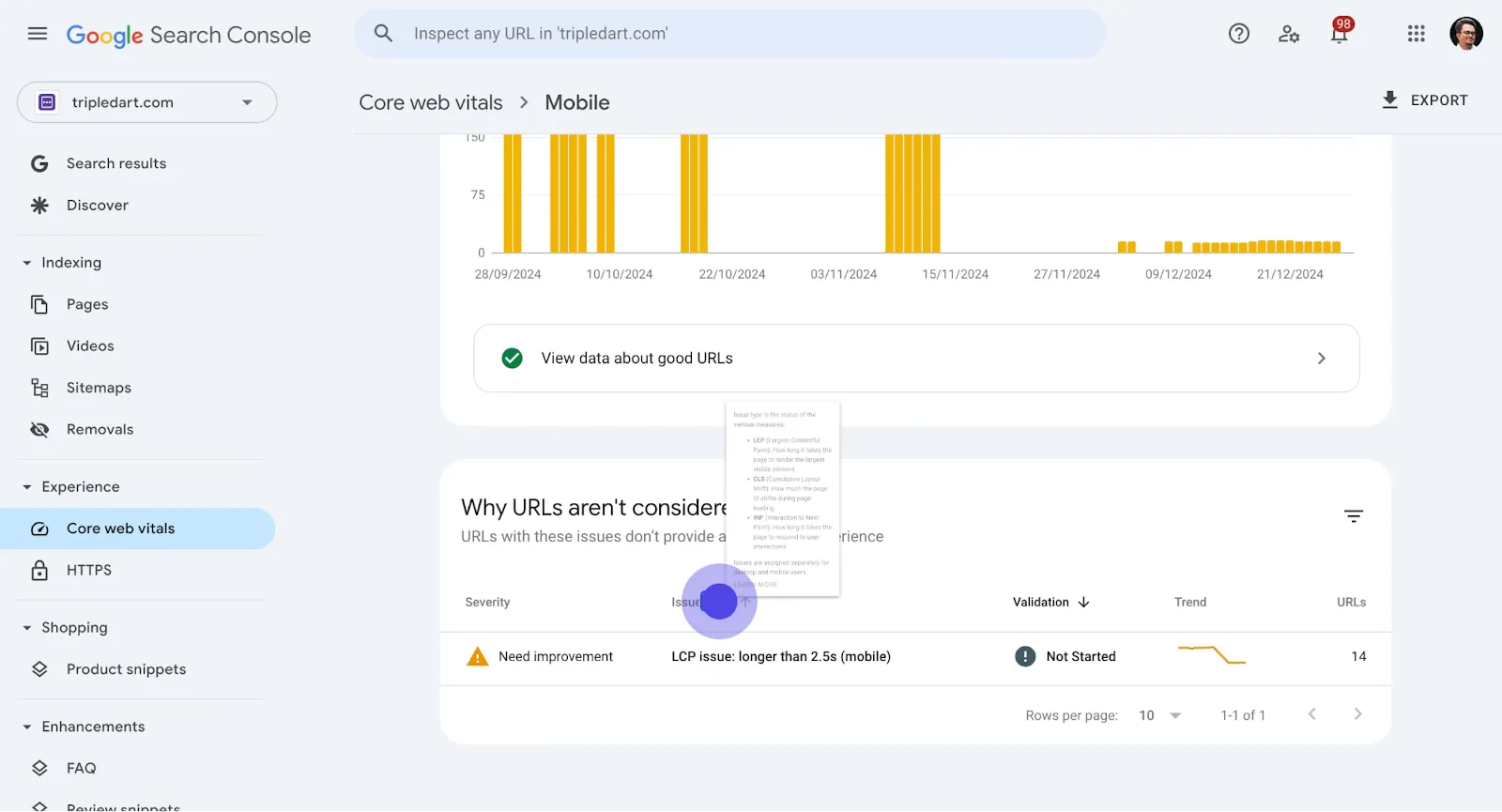
7. Then, interact with Issue.
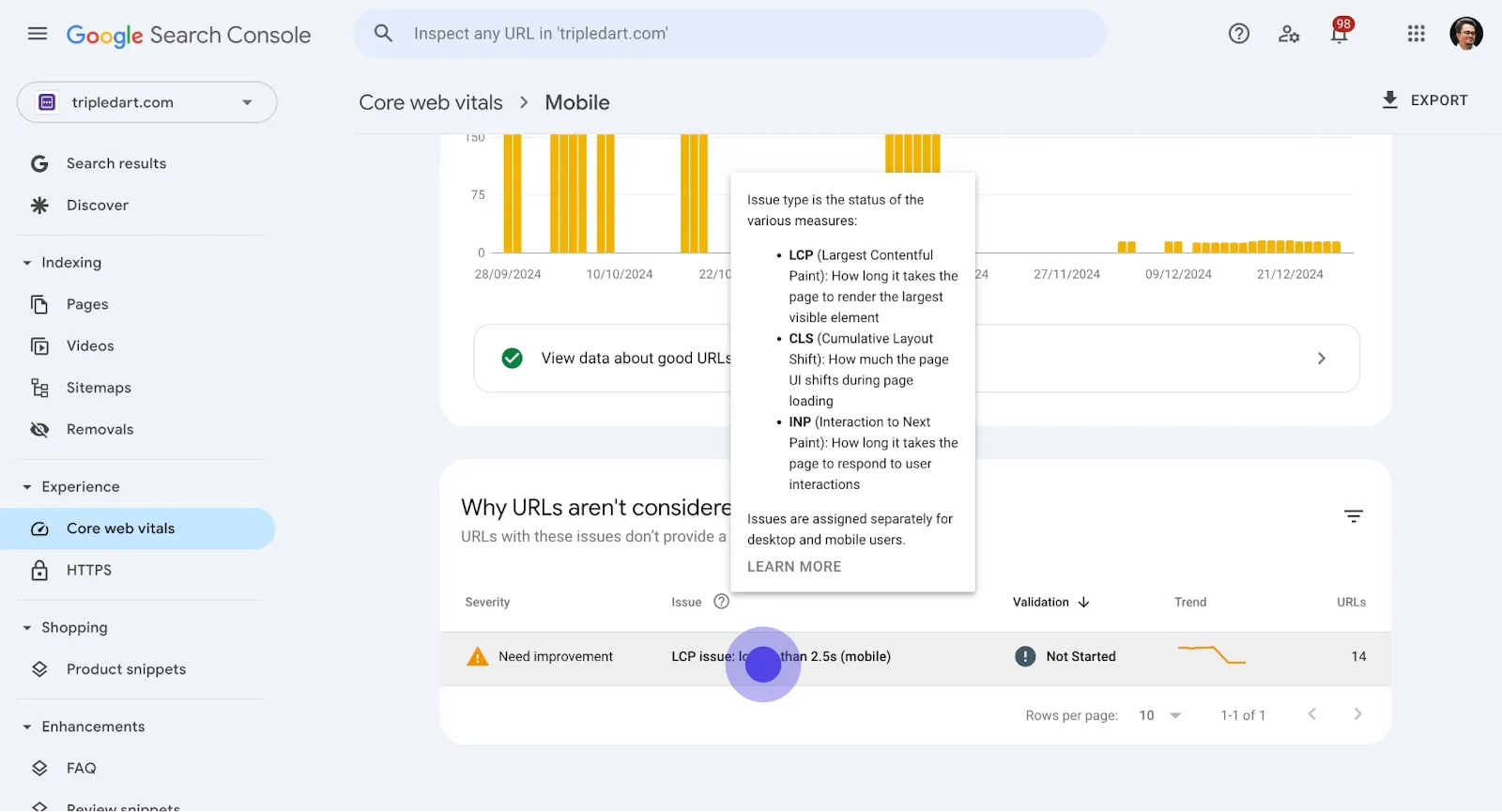
8. Moving forward, select LCP issue: longer than 2.5s (mobile).
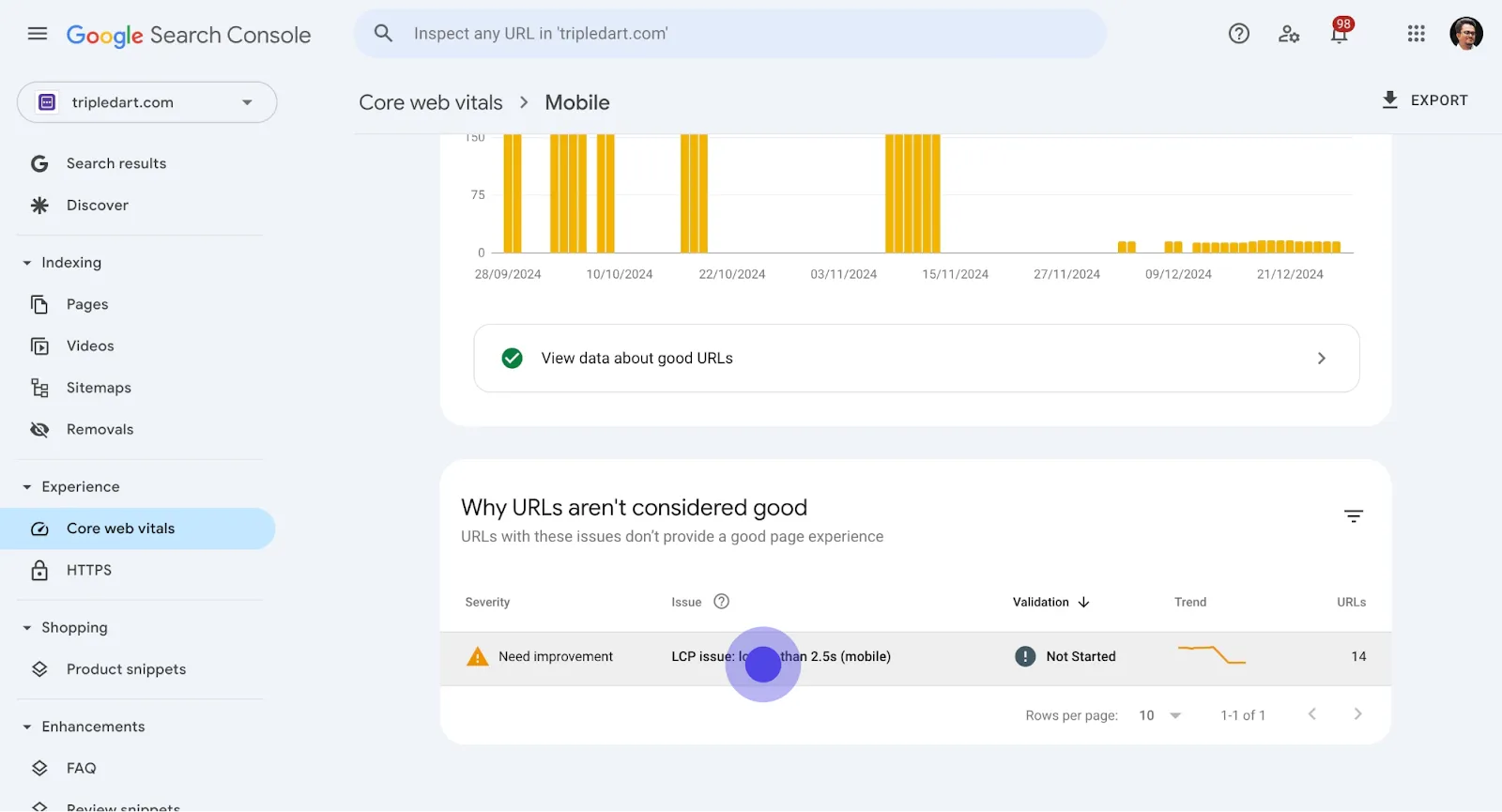
9. Click on the visible area here.
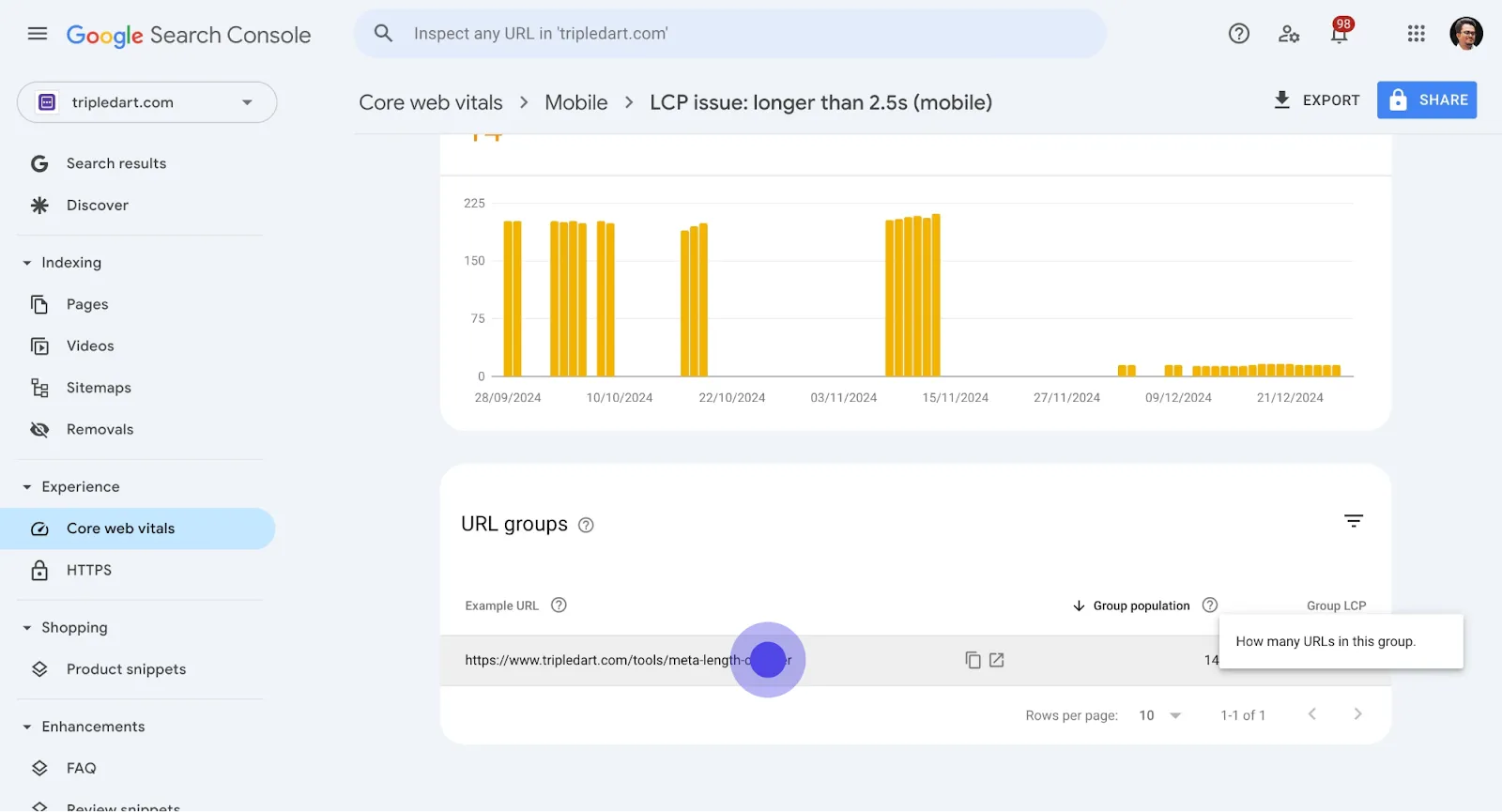
10. Then, choose the number 14 presented.

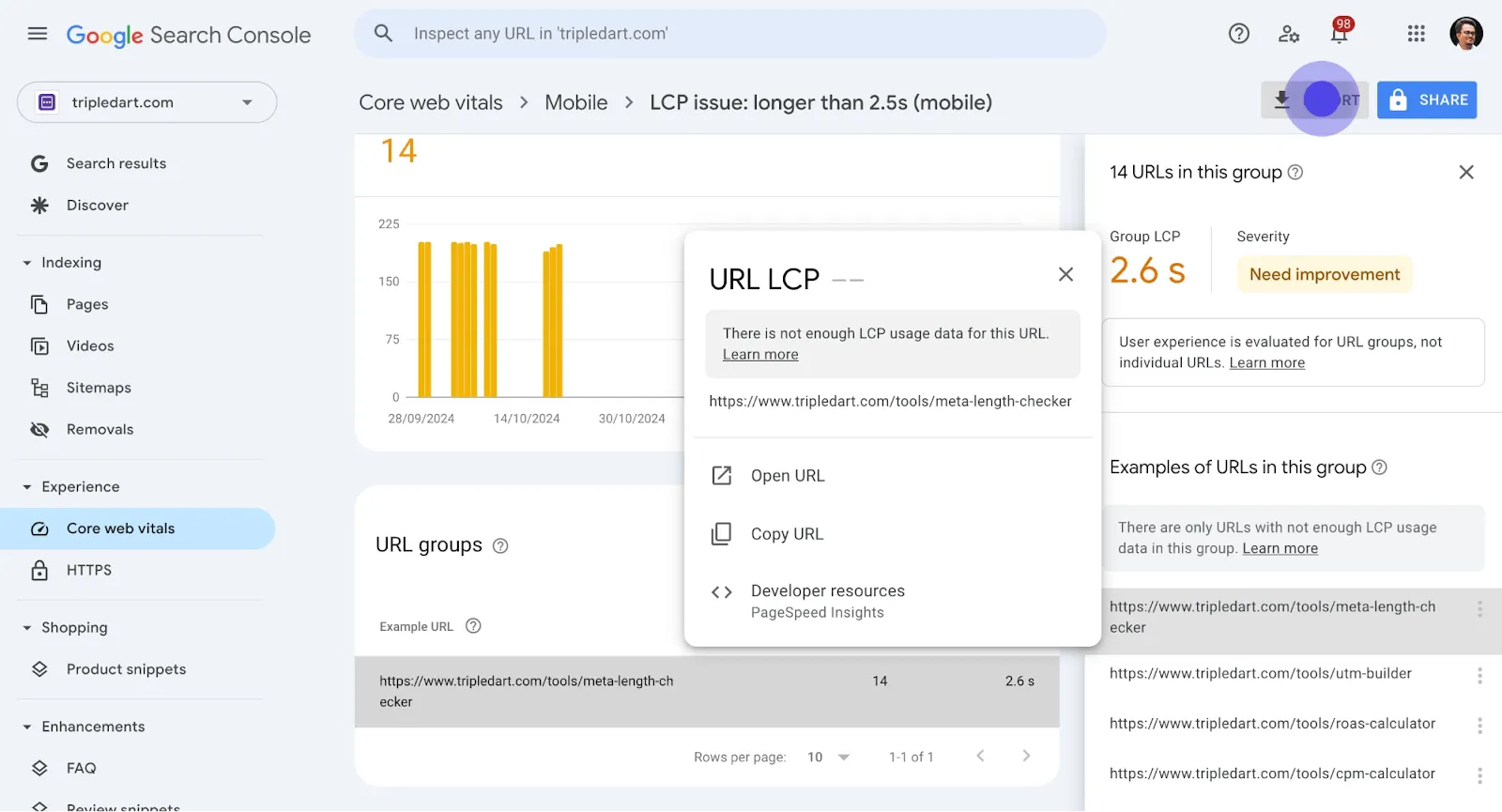
11. Next, click on the button provided.
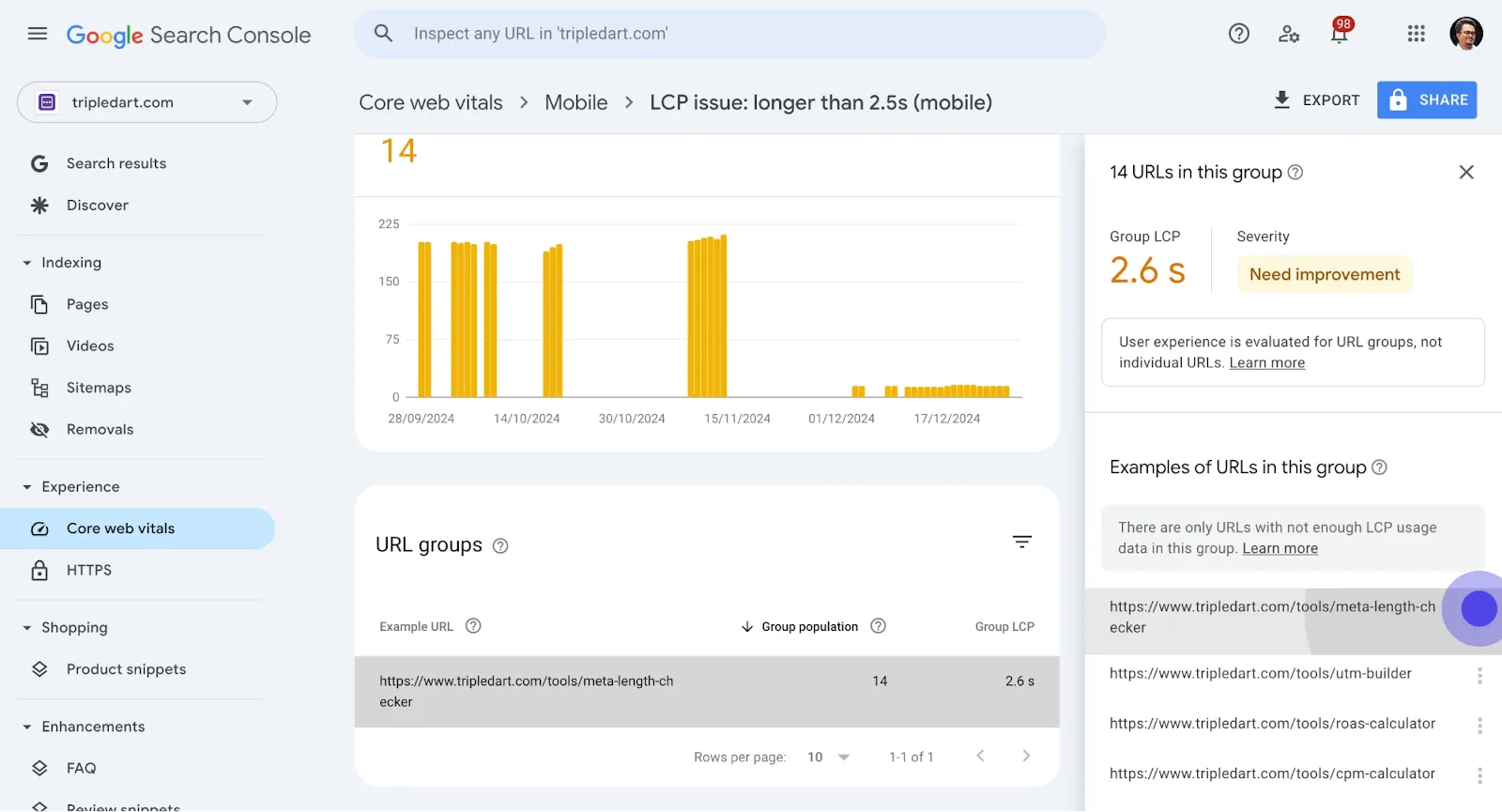
12. After, click on the link specified.
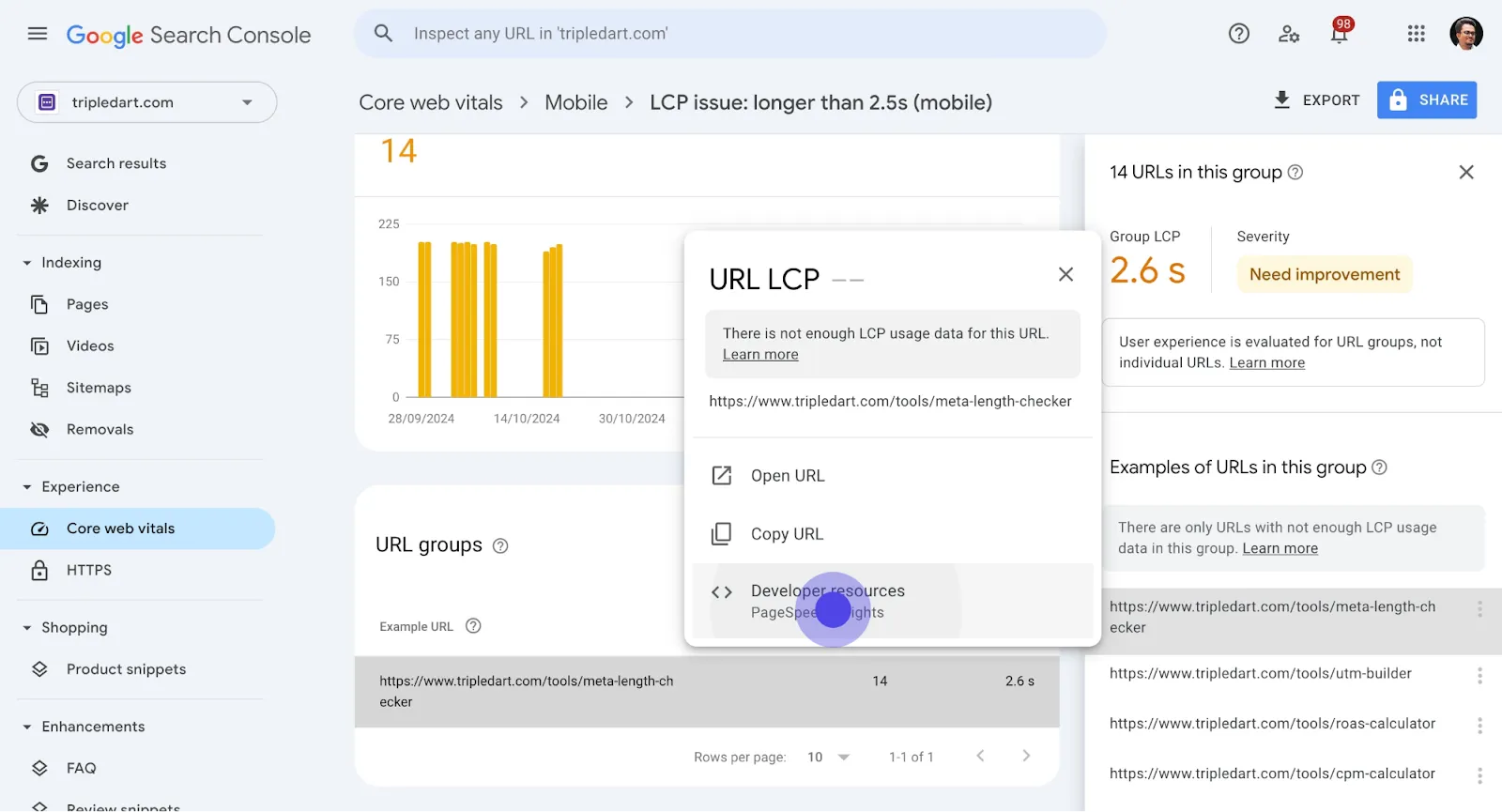
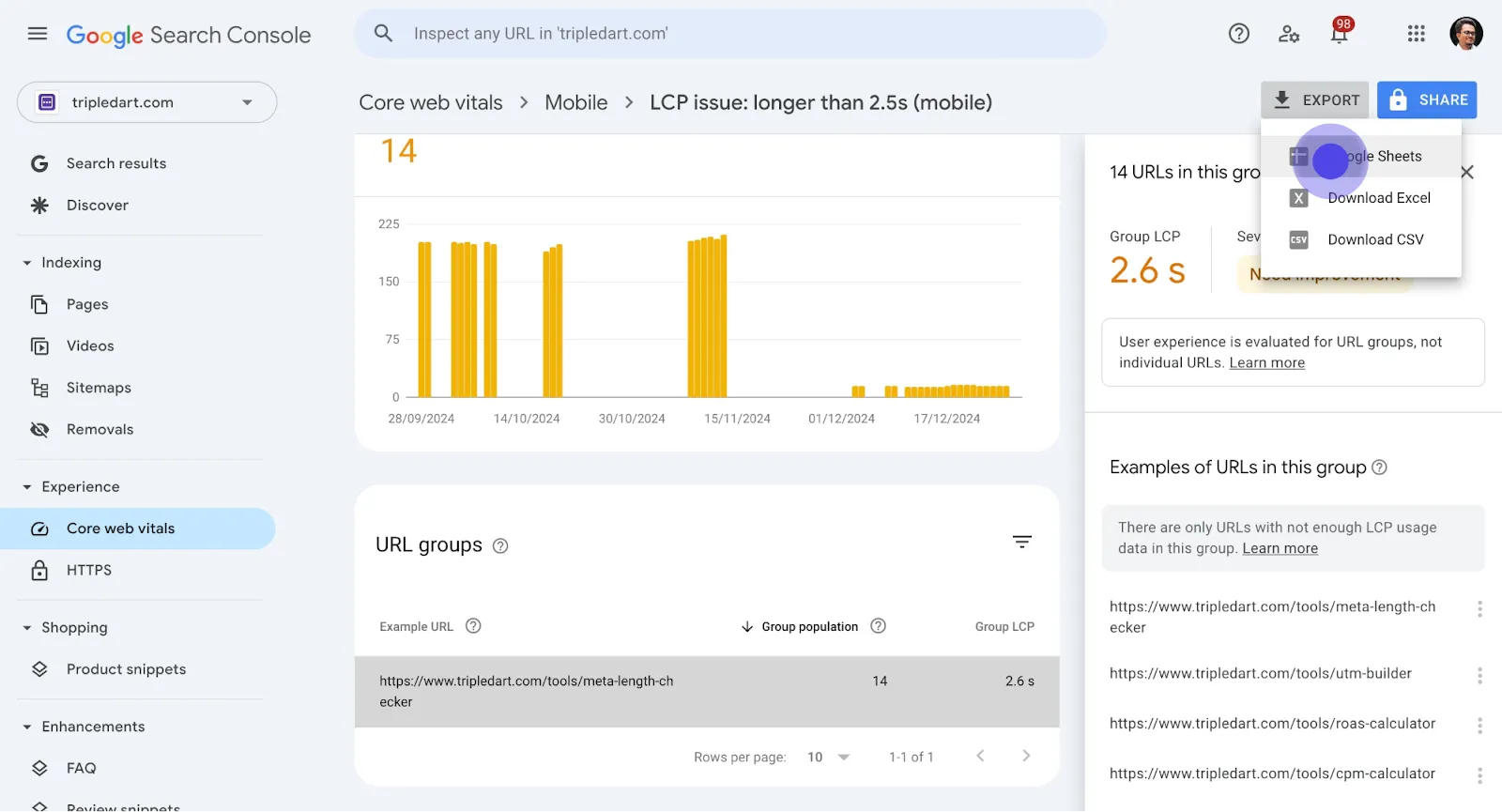
13. Subsequently, select EXPORT to advance.
14. Finally, click on Google Sheets to finish.
Conclusion
Analyzing the Core Web Vitals report in Google Search Console is essential for improving your website's performance.
Utilizing these tools effectively will enhance user experience and potentially lead to better search rankings. Keep revisiting your Core Web Vitals to stay ahead in optimizing your site.
Book an introductory call to explore how TripleDart can support your SaaS marketing goals.
Frequently asked Questions
.svg)
Improving Core Web Vitals involves optimizing your website's loading speed, interactivity, and visual stability. Consider reducing large images, deferring non-essential scripts, and ensuring your server response time is quick.
PageSpeed Insights and Lighthouse are excellent tools that complement Google Search Console, providing detailed metrics and suggestions for improving Core Web Vitals
Core Web Vitals are crucial for SEO because they assess the user experience on your website, which is a factor in Google's ranking algorithms. Better scores can lead to higher search rankings and more organic traffic.
Regularly monitor your Core Web Vitals, ideally once a month, or whenever you make significant changes to your site, to ensure your website consistently provides a good user experience.
While improvements in Core Web Vitals can positively impact rankings, the effects are not immediate. Google updates its data over time, so consistent improvements will gradually enhance your site's performance in search results.


